Subby for iPhone
Track every subscription on your iPhone, get a reminder before each charge, and pay once if you want more. No bank login, no account.

Free · No account · No bank login
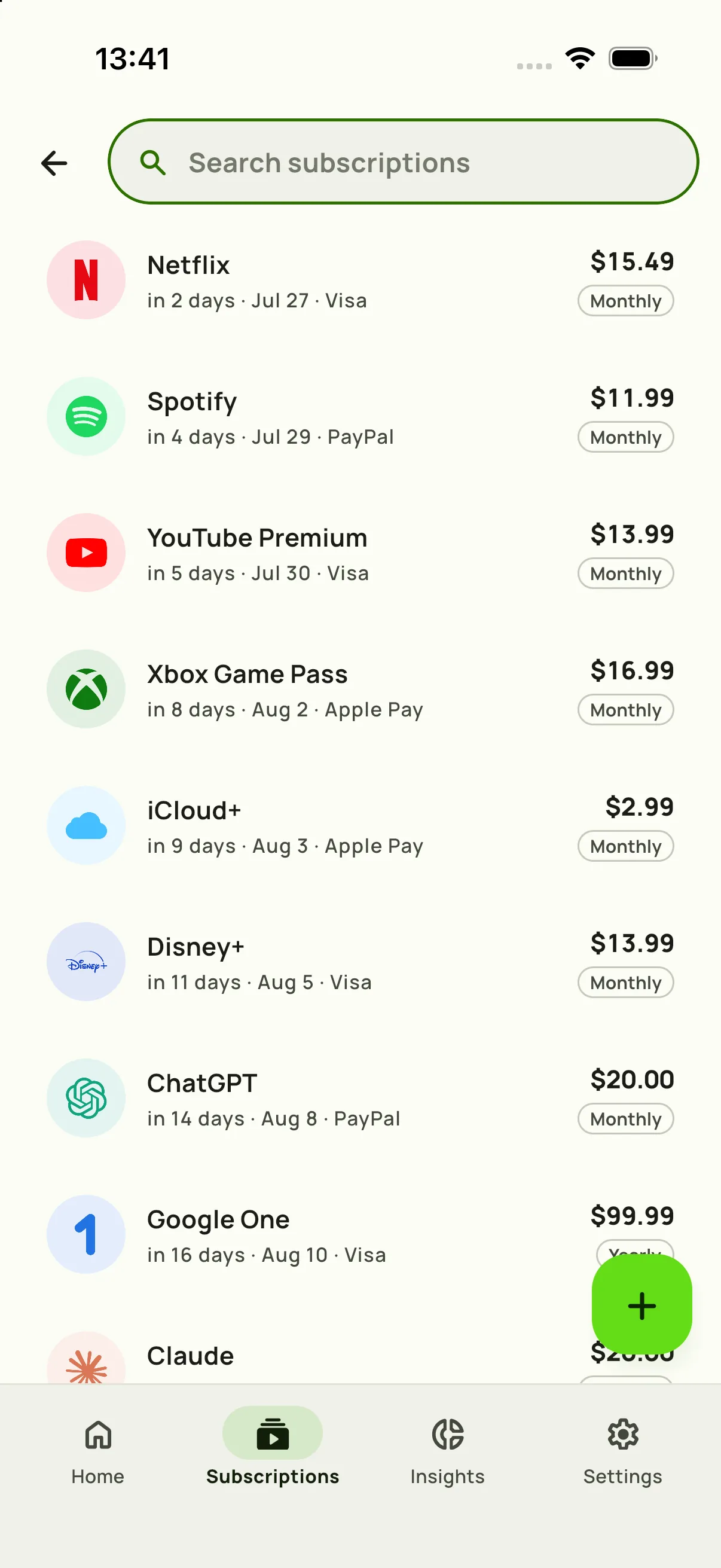
One list of what you pay for
Pick a service from more than 600 built in, or type your own, then set the price, the billing cycle and the next charge date. Weekly, monthly, yearly or a custom cycle all work, in any of 46 currencies. Home shows this month's total and the next payments in line.
Tracking is free, with ads, and there is no cap on how many subscriptions you add.
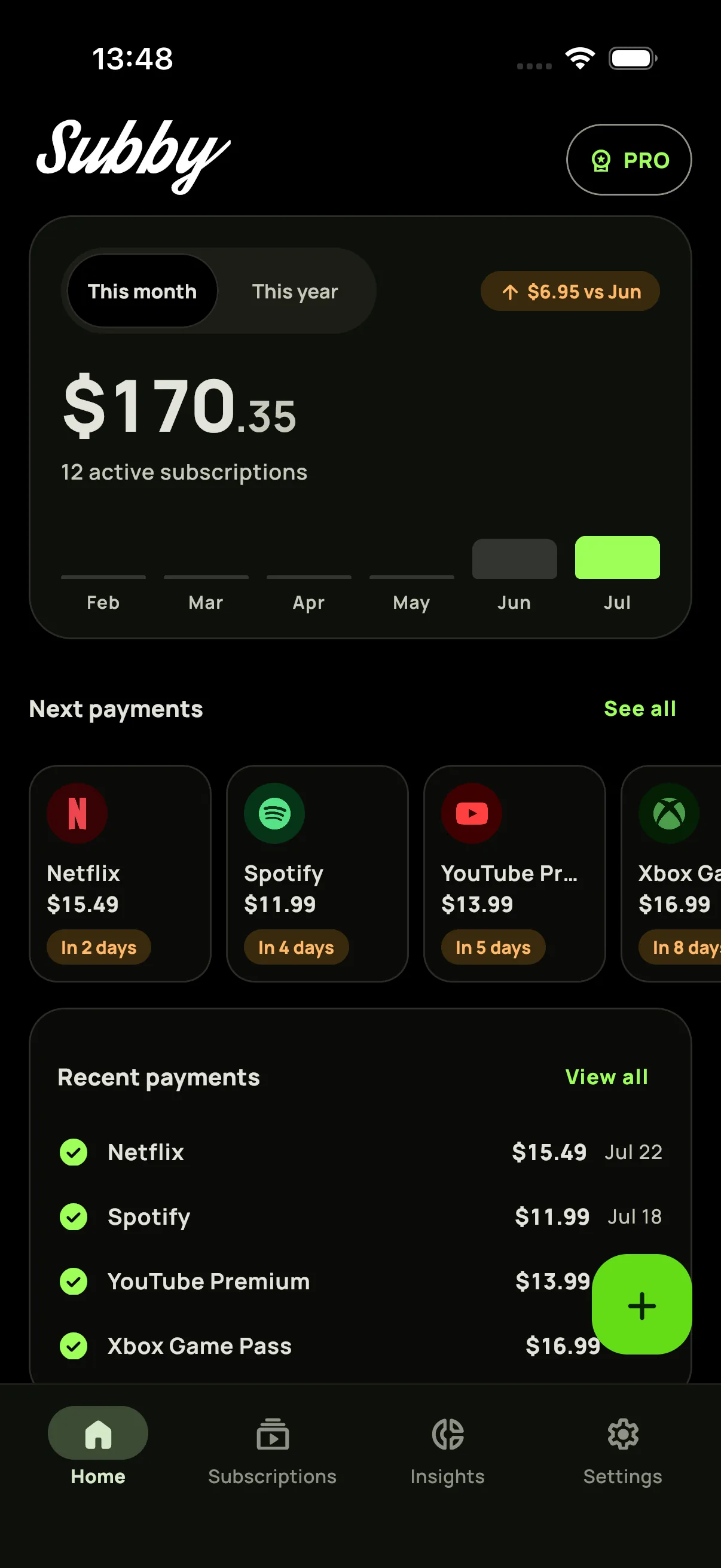
A reminder before each charge
Choose how far ahead Subby warns you, from the same day to a week before, or a custom lead time per subscription. When a charge goes through, mark it paid and the payments log keeps the record. How the reminders work.
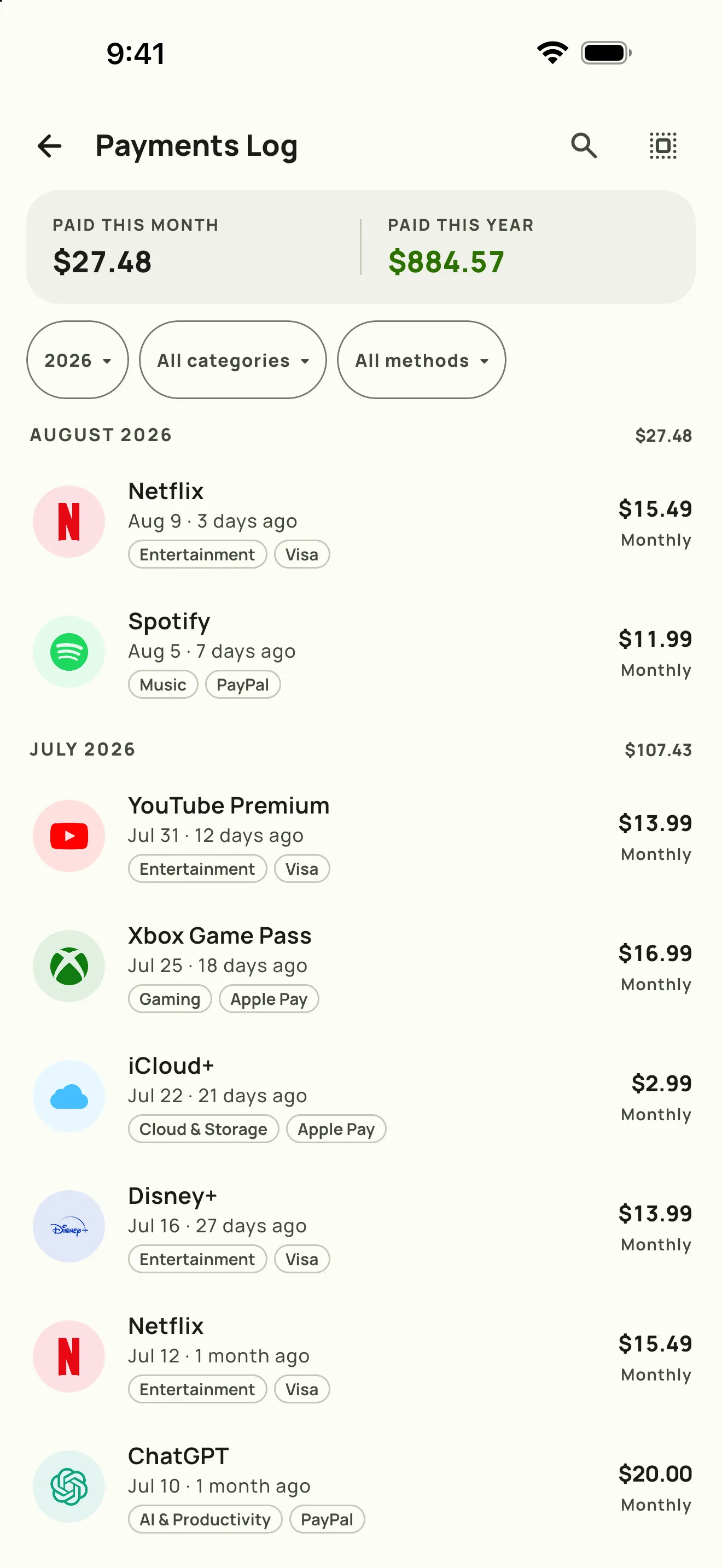
See where the money goes
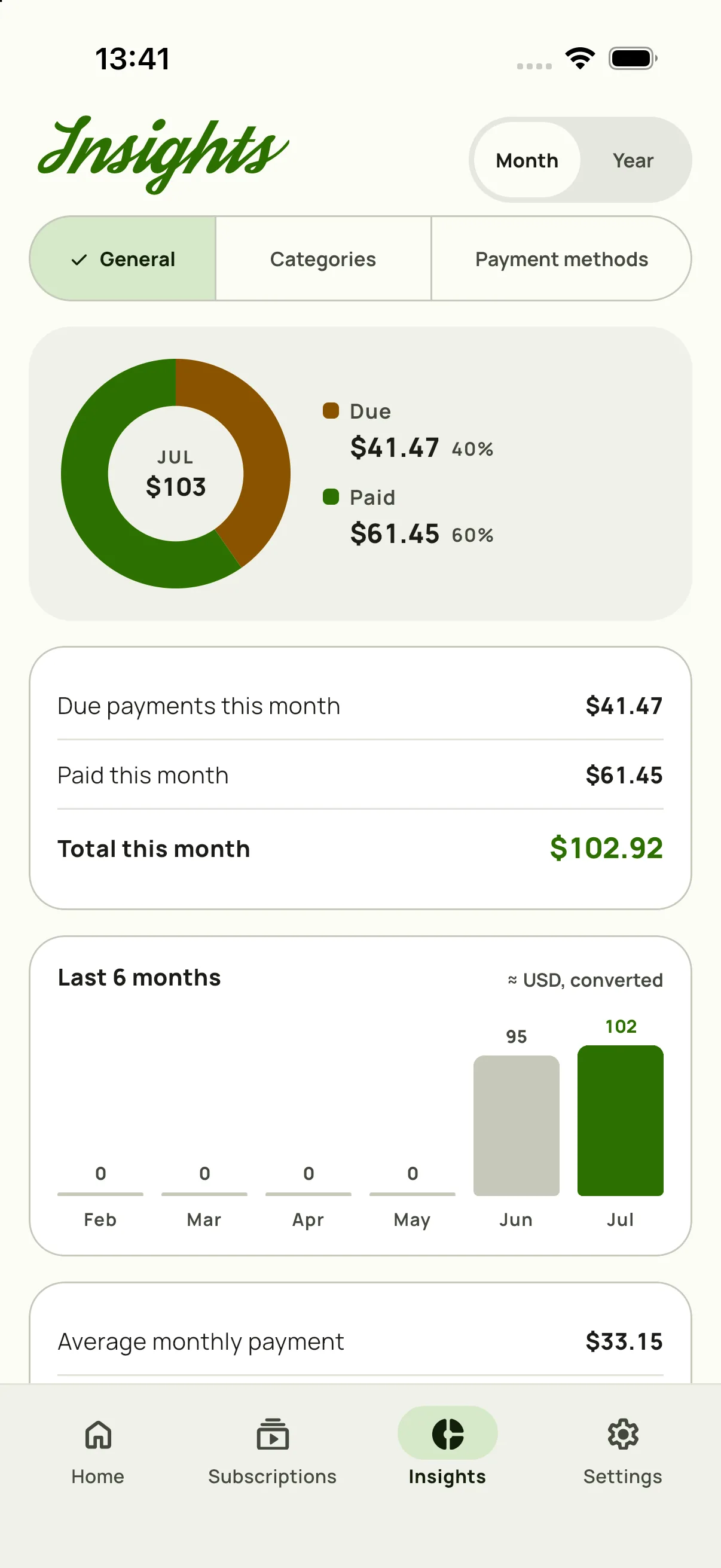
Insights splits each month into what is paid and what is still due, then breaks the total down by category and by payment method. Amounts in other currencies are converted to your base currency.
Liquid Glass on iOS 26
On iOS 26 or later, Subby's tab bar and top controls use the Liquid Glass look. If you prefer flat controls, Settings has an Interface style option that switches to Material, the style Subby uses on earlier iOS versions. The screenshots on this page show the Material style.
Subby runs on iOS 18.6 or later.
Your next payments on the Home Screen
The Subby widget comes in small, medium and large sizes. Set its theme and choose whether it shows everything, the next five or one category, and the large size lets you mark a payment paid with one tap. The widget is part of PRO. The iPhone widget, explained.
No bank login, and PRO is one payment
Subby never connects to your bank, so there is no account to create and no transaction feed to hand over. The trade is that you add each subscription yourself.
The free app tracks everything, with ads. PRO is one payment that does not renew: it removes the ads and adds the widget, weekly backup to your own iCloud or Google Drive, screenshot import and icon requests. You buy PRO per store, so a Google Play purchase does not carry over to the App Store.
Cancelling something you found on the list? How to cancel subscriptions on iPhone.
Know exactly where your money goes.
Free · No account · No bank login