How to cancel LinkedIn Premium
On desktop, click Me, then Premium features, Manage subscription, Purchases, your active subscription and Cancel subscription. Bought in the iPhone app? Cancel in the LinkedIn app on an Apple device. Cancel at least a day before the billing date. Paid Premium runs to the end of the cycle, but a cancelled free trial ends at once.


Who bills you decides where you cancel
| Who bills you | Where to cancel |
|---|---|
| LinkedIn (you bought on desktop or mobile web) | The LinkedIn desktop site, or the LinkedIn app on Android |
| Apple (you bought in the iPhone or iPad app) | The LinkedIn app on an Apple device, or iPhone Settings → your name → Subscriptions |
| Google Play (you bought in the Android app) | The LinkedIn desktop site or app, or Google Play on a computer or phone |
One combination catches people out. LinkedIn says "If you bought your Premium subscription on iOS using the mobile web, LinkedIn processes the payment." That plan can't be cancelled in the iOS app, so use LinkedIn on a desktop. In Germany and the United States, LinkedIn also offers a form that cancels some subscriptions without signing in.
How to cancel LinkedIn Premium on desktop
- Click the Me icon at the top of your LinkedIn homepage.
- Select Premium features from the dropdown.
- Click Manage subscription on the left pane under Plan Details. LinkedIn redirects you to the LinkedIn Admin Center.
- Click Purchases on the left pane.
- Select your active subscription.
- Click Cancel subscription under Actions.
- Click Confirm cancel.
LinkedIn's older article for Google Play purchases calls step 3 Subscription details, under Resources, so look for either label.
How to cancel in the LinkedIn app
- Tap your profile photo.
- Tap Premium features.
- Tap Manage your subscription. LinkedIn opens the Manage Premium account settings page.
- Tap Cancel subscription and follow the prompts.
For a plan Apple bills, use these steps in the app on an Apple device, or Apple's own Settings list, as for any iPhone subscription. LinkedIn can't help with an App Store bill: "you must contact Apple for payment inquiries and refund requests." For a Google Play plan, the Play list works too, as for any Google Play subscription.
When the charges stop
LinkedIn's deadline: "To avoid getting charged for another billing cycle, you need to cancel your plan at least one day before your next scheduled billing date." A paid plan then stays active until the end of the current cycle, and your account returns to Basic with your profile, connections and other data kept.
Refunds are possible but narrow. LinkedIn's Premium FAQ says plans "may be refundable within seven days from the date the subscription is charged without Premium usage." For an App Store plan, ask Apple.
The free trial works differently
Some services let a cancelled trial run to its end date, and others cut you off the moment you cancel. LinkedIn is one of the second kind: "If you cancel a Premium free trial, the trial will end immediately, and Premium access will stop right away." Cancelling also costs you the next one, because you "won't be eligible to sign up for another free trial for at least 12 months." If you want the whole trial, keep it and cancel a day or two before it converts. LinkedIn emails a reminder before the trial ends, but only for trials bought on its desktop site.
What you lose
At the end of the cycle, the Premium features go. LinkedIn's list includes the InMail credits you've built up, which "can't be credited back", the full list of who viewed your profile, extra insights on job postings and LinkedIn Pages, LinkedIn Learning, and unlimited people browsing. Use the credits before the date. A promotional price goes too: cancel a discounted plan and LinkedIn says you can't buy it again at that price. If you only need less, some plans can downgrade instead, on the desktop site only.
The mistake that keeps you paying
Trying to close the account, or delete the app, instead of cancelling. LinkedIn says that with an active subscription you'll need to cancel it before you can close your personal account. Google's help is just as clear that "When you uninstall an app, your subscription won't cancel." Cancel where you are billed, check that the plan shows an end date, then do whatever else you planned.
On a trial? Mark the day it converts
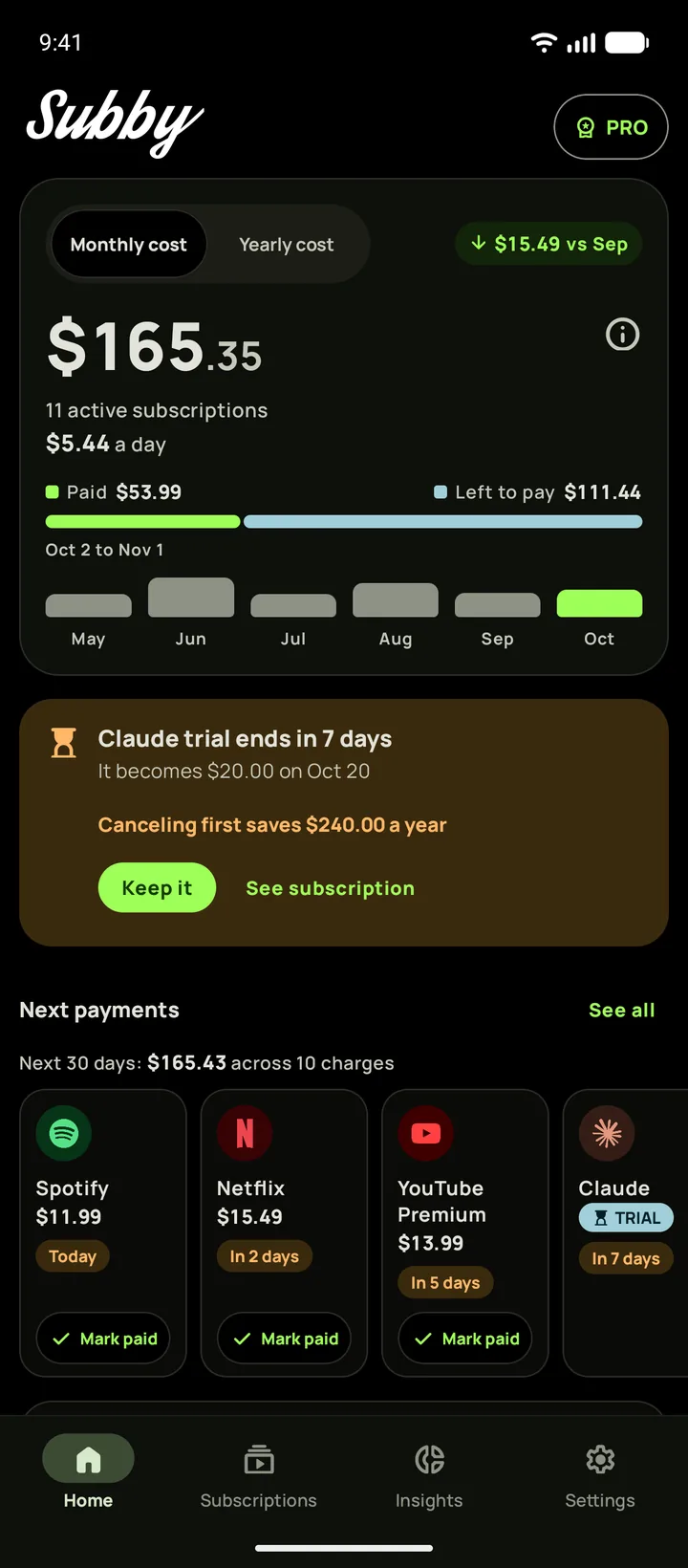
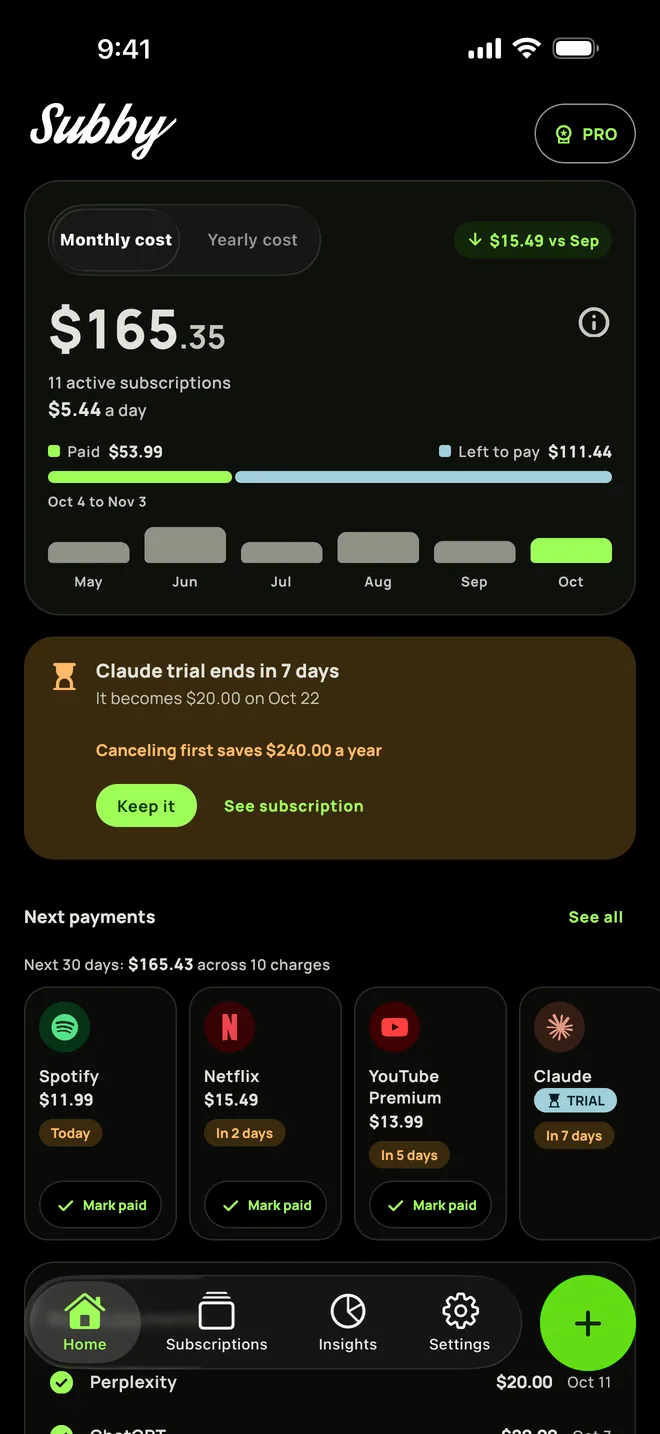
Put LinkedIn Premium in Subby with its trial end or renewal date. The reminder arrives at the lead time you pick, early enough for LinkedIn's cutoff a day before billing. Free to use, with ads, and no account or bank login.

Free · No account · No bank login
Sources
- LinkedIn Help. Cancel LinkedIn Premium subscription
- LinkedIn Help. Cancel LinkedIn Premium subscription FAQ
- LinkedIn Help. Cancel LinkedIn Premium subscription purchased via Apple App Store
- LinkedIn Help. Cancel LinkedIn Premium Subscription purchased via Google Play Store
- LinkedIn Help. LinkedIn Premium subscription FAQ
- Apple Support. Cancel a subscription from Apple
- Google Play Help. Cancel, pause, or change a subscription on Google Play