How to cancel your ChatGPT subscription
Cancel where you subscribed. On chatgpt.com, open Settings, then Billing, and select Cancel under Cancel plan. If Apple or Google Play bills you, cancel in their subscription list instead. Do it at least 24 hours before the next billing date, and the paid features stay until the end of the period.


First, find out who bills you
OpenAI's help article opens with the rule every cancel guide comes back to: "Cancel your subscription through the platform where you purchased it." A personal ChatGPT plan comes from one of three places, and each keeps its own cancel button.
| Who bills you | Where the cancel button lives |
|---|---|
| ChatGPT (you subscribed on chatgpt.com) | Your account menu → Settings → Billing |
| Apple (you subscribed in the iPhone or iPad app) | iPhone or iPad Settings → your name → Subscriptions |
| Google Play (you subscribed in the Android app) | The Play Store app → Subscriptions, or Google Play on the web |
Not sure which? Your receipt names the biller. OpenAI also warns that "A subscription purchased on chatgpt.com does not appear in your Apple or Google Play subscriptions." An empty list in one place doesn't mean the plan is gone, so try the next one.
How to cancel ChatGPT on chatgpt.com
- Sign in to ChatGPT.
- Open your account menu and select Settings.
- Select Billing.
- Under Cancel plan, select Cancel.
A self-service ChatGPT Business workspace cancels from Workspace settings, then Billing, Manage plan and Cancel subscription. If you can't open the workspace billing settings, the workspace owner has to do it.
How to cancel ChatGPT on iPhone or iPad
Apple manages a subscription you bought through the App Store, so the steps are the ones you use to cancel any subscription on iPhone:
- Open Settings.
- Select your name.
- Select Subscriptions.
- Select ChatGPT.
- Select Cancel Subscription, then confirm.
No Cancel Subscription button, and an expiration date in its place? OpenAI says the subscription may already be cancelled.
How to cancel ChatGPT on Android
Sign in to Google Play with the Google account that paid, then:
- Open the Google Play Store app.
- Open Subscriptions.
- Select ChatGPT.
- Select Cancel subscription and follow the instructions to confirm.
On a computer, open your Google Play subscriptions, select Manage next to ChatGPT, then Cancel subscription. If ChatGPT isn't in the list, OpenAI suggests checking each Google account on the device. It is the same list that holds every app you pay for through Google Play.
When the charges stop
OpenAI gives a day of margin: "Cancel at least 24 hours before your next billing date to avoid being charged for the next subscription period." Inside that window the next charge may already have gone through. After an ordinary cancellation, "paid features remain available until the end of the current billing period." You keep the days you paid for, so there is nothing to gain by waiting for the last one.
Cancelling is not a refund. In OpenAI's words, "Canceling stops future renewals. It does not automatically refund previous charges." For a plan bought on chatgpt.com or through Google Play, you ask OpenAI Support while signed in to the account that was charged. For an App Store plan, you ask Apple.
Deleting the app or the account
Neither is a shortcut. "Uninstalling the ChatGPT app does not cancel your subscription." Deleting your ChatGPT account does cancel a plan ChatGPT bills directly, but "It does not cancel Apple App Store subscriptions." If you want the account gone, cancel with Apple or Google first and delete it afterwards. To stop paying, you don't need to delete anything.
Locked out of the account?
If ChatGPT bills you directly and you can no longer reach the account's email address, OpenAI Support may be able to cancel the plan without deleting the account. You give the email linked to the account or subscription, plus any two billing details: the card's last four digits, its expiry date, the billing address, or the date of the latest charge. Never send the full card number. For Apple or Google billing, recover that store account instead.
The mistake that keeps you paying
Paying twice without noticing. OpenAI's own troubleshooting covers it: if you see more than one charge, check whether you have subscriptions under different ChatGPT, Apple or Google accounts. Each biller sees only its own plans. Check all three places once, cancel the one you don't use, and keep the renewal date of the plan you keep where you will see it, with a reminder before the next charge.
Keeping ChatGPT? Keep the date
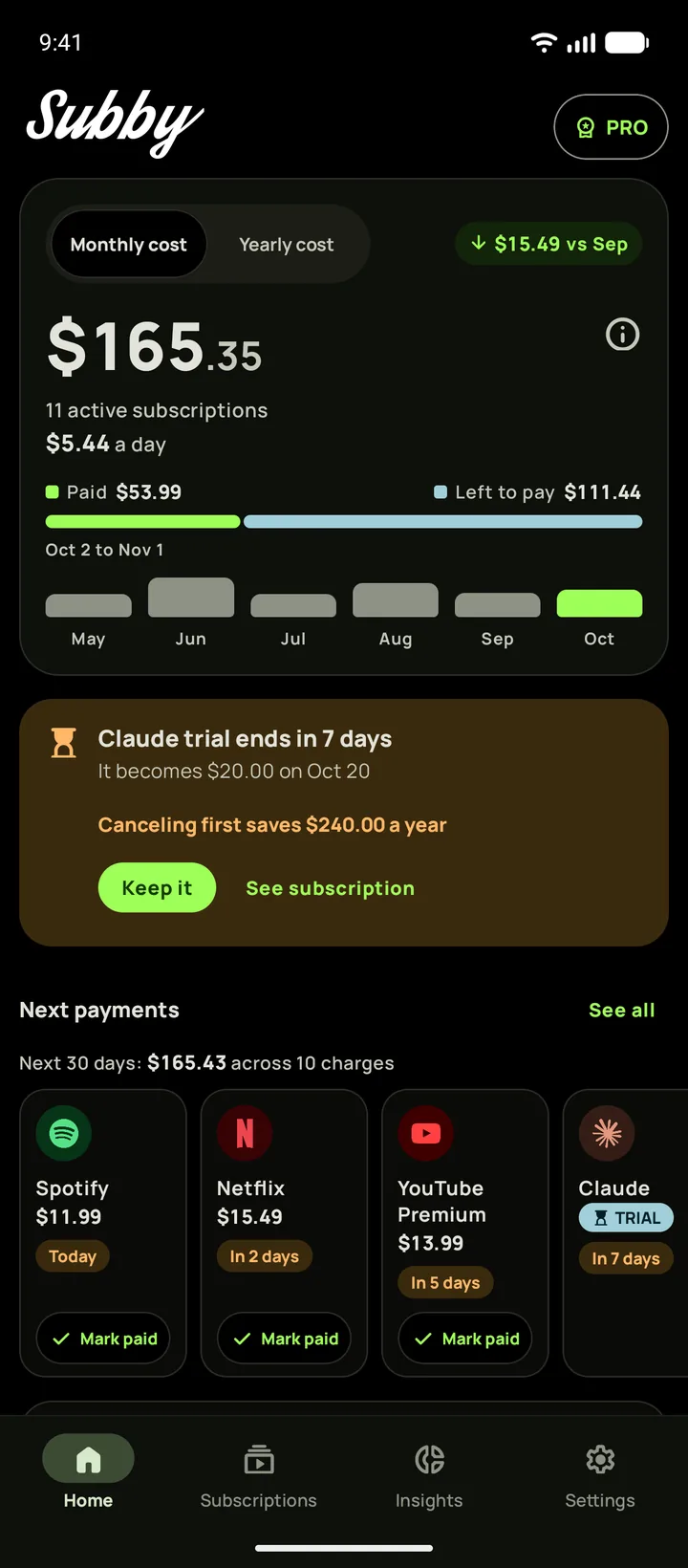
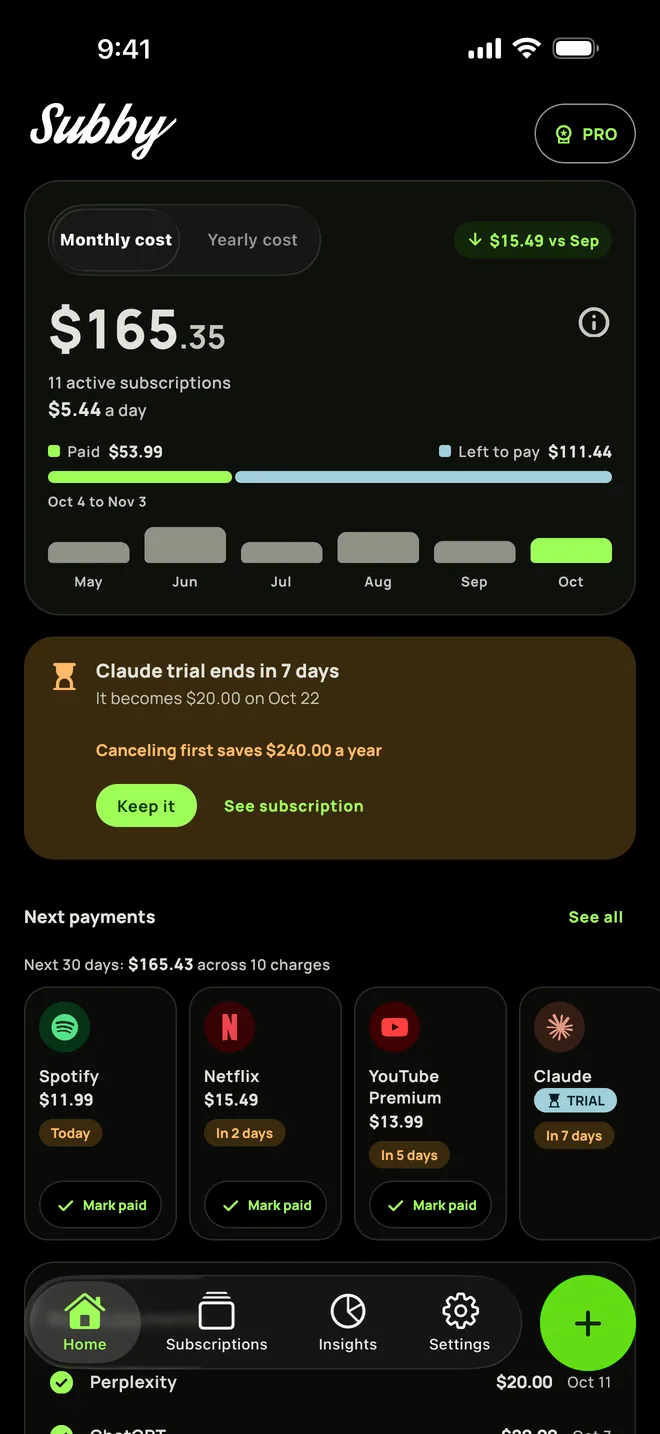
Put ChatGPT in Subby with its next billing date, and the reminder arrives before the charge with the amount and the card on it, well ahead of OpenAI's 24 hour cutoff. Free to use, with ads, and no account or bank login.

Free · No account · No bank login