How to cancel Paramount+
Cancel where you signed up. Paramount+'s help center lists steps for its website, Apple, Google Play, Fire TV, Roku and Optus SubHub, and PS5, Xbox and VIDAA TV use the website. On the website, cancelling takes effect at the end of a free trial, or otherwise at the end of the current billing period.


Cancel where you signed up
Paramount+'s help center says: "please use the steps for the device or platform that you used to sign up Paramount+". The steps below are from that help center (international edition, May 12, 2026), which points readers in the U.S. to a separate U.S. help center.
| Where you signed up | Where you cancel |
|---|---|
| The Paramount+ website, PS5, Xbox or VIDAA TV | paramountplus.com/account |
| Apple (iPhone, iPad, Apple TV) | Settings → Subscriptions |
| Google Play Store (Android phone, Android TV) | The Play Store app, or payments.google.com |
| Fire TV devices | amazon.com/appstoresubscriptions |
| Roku | my.roku.com, or your Roku device |
| Optus SubHub (Australia only) | subhub.optus.com.au |
Not sure which? Apple suggests checking your bank or credit card statement.
How to cancel on the website, PS5, Xbox or VIDAA TV
- Go to paramountplus.com.
- Go to your Paramount+ account page, paramountplus.com/account.
- Click the Cancel Subscription link, then follow the online prompts.
How to cancel Paramount+ on iPhone or iPad
If you signed up via Apple, these are the steps to cancel any subscription on iPhone:
- Open the Settings app.
- Tap your name.
- Tap Subscriptions.
- Tap Paramount+.
- Tap Cancel Subscription. If you don't see it, the subscription is already canceled and won't renew.
- Tap Confirm.
How to cancel Paramount+ on Apple TV
For Apple TV (4th generation or later), you can edit subscriptions only for tvOS apps installed on that Apple TV.
- Open Settings.
- Select Users & Accounts, then select your account.
- Select Subscriptions.
- Choose Paramount+, then select Cancel Subscription. If you don't see it, the subscription is already canceled and won't renew.
How to cancel Paramount+ on Android
On an Android smartphone or tablet:
- Launch the Google Play Store app.
- Tap your profile icon or initials in the top right corner.
- Tap Payments & Subscriptions, then Subscriptions.
- Locate and tap the P+ subscription.
- Tap Cancel subscription and follow the on-screen instructions.
In a browser, go to payments.google.com, sign in, select Bills and Accounts on the left, then choose the subscription and Cancel Subscription. On Android TV, launch the Google Play Store app, tap Menu → My Apps → Subscriptions and the app, then tap Cancel and Yes. Can't see it? Google says it may be on a different account. More on Google Play subscriptions.
How to cancel Paramount+ on Fire TV
- Visit amazon.com/appstoresubscriptions and sign in with your Amazon username and password.
- Next to the Paramount+ subscription, select Actions.
- Select Turn Off Auto-Renewal from the dropdown menu.
- Click Turn Off Auto-Renewal to confirm. A confirmation message displays.
How to cancel Paramount+ on Roku
From a web browser using your Roku account:
- Sign in to your Roku account at my.roku.com.
- Click Manage Your Subscriptions.
- Select the subscription channel to cancel.
- Click Unsubscribe.
From your Roku device:
- Go to your Home screen.
- Highlight the Paramount+ channel (do not click on it) and press the * button on the Roku remote.
- Select Manage Subscription.
- Choose Cancel Subscription.
On a paid subscription you can leave the channel active until the end of your current billing date or free trial. If you subscribed to Paramount+ directly, Roku says to cancel through that service.
Optus SubHub in Australia
Unsubscribe within the SubHub platform at subhub.optus.com.au. Cancel at any time, and "access to Paramount+ will cease at the next monthly renewal date for the subscription".
When it takes effect
After you cancel on the website, you keep access until the cancellation takes effect. For a free trial, that is the end of the trial. Otherwise, a promotional offer included, it is the end of your current billing period, and PS5 gets the billing period only. If an offer covers the entire cost of your subscription for more than one billing period, "you will lose access at the end of your current billing period (not at the end of the promotional offer period)".
Free trials and refunds
The help center says 7-day free trials are only available in Australia, France, Germany, Italy, the UK and Ireland. For an App Store trial, Apple says to cancel at least 24 hours before it ends.
The help center says you will not be refunded for any fees you have paid. The U.S. terms add that "there are certain circumstances in which you may be legally entitled to a refund". For an app-store signup, you "may be able to request a refund from your app store (subject to their terms and policies)".
The mistake that keeps you paying
Deleting the app and calling it done. The help center says "Deleting the app from your Fire TV will NOT cancel your subscription." For Google Play, "Uninstalling the app will not automatically cancel your subscription." The terms say to "cancel your auto-renewing payments with your app store" before you delete the Account in the app. Cancel with whoever bills you, and keep a reminder before the next charge.
Keeping Paramount+? Keep the renewal date
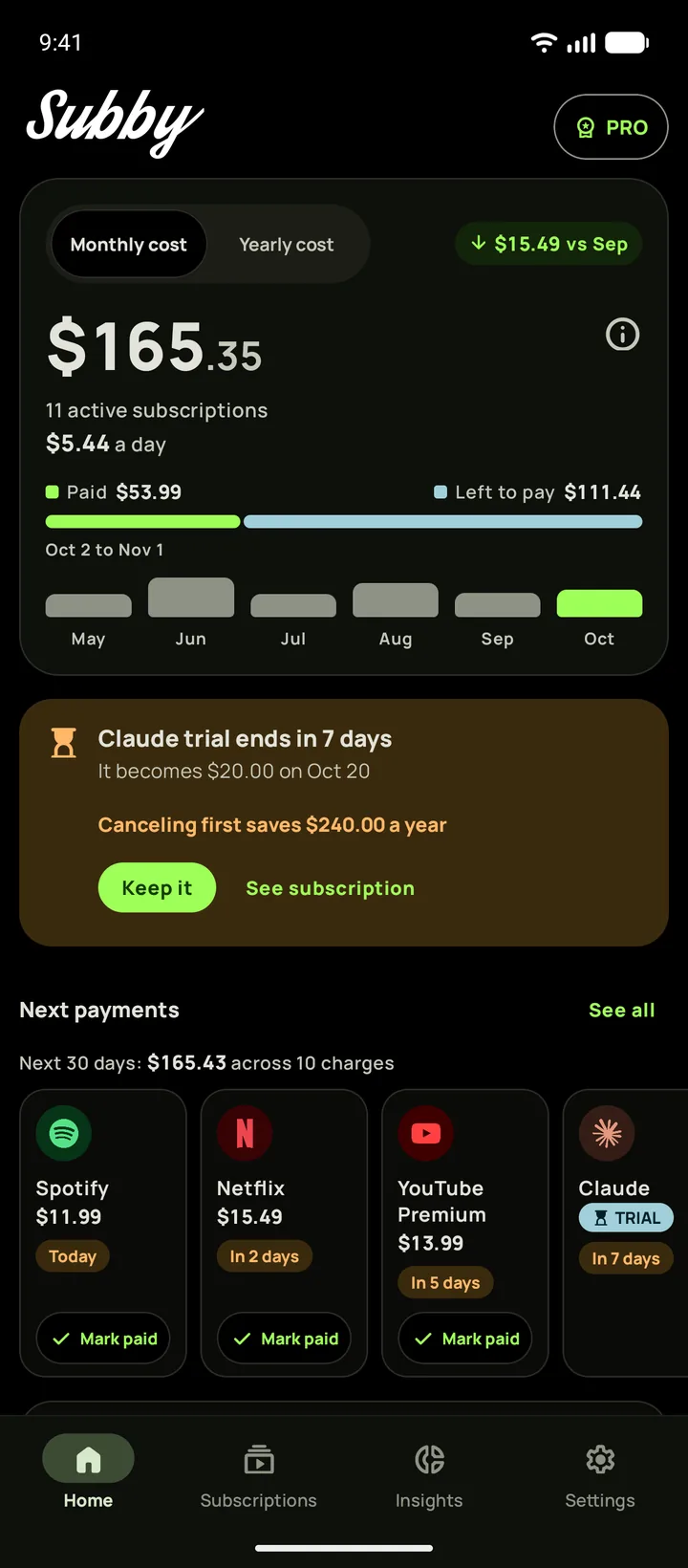
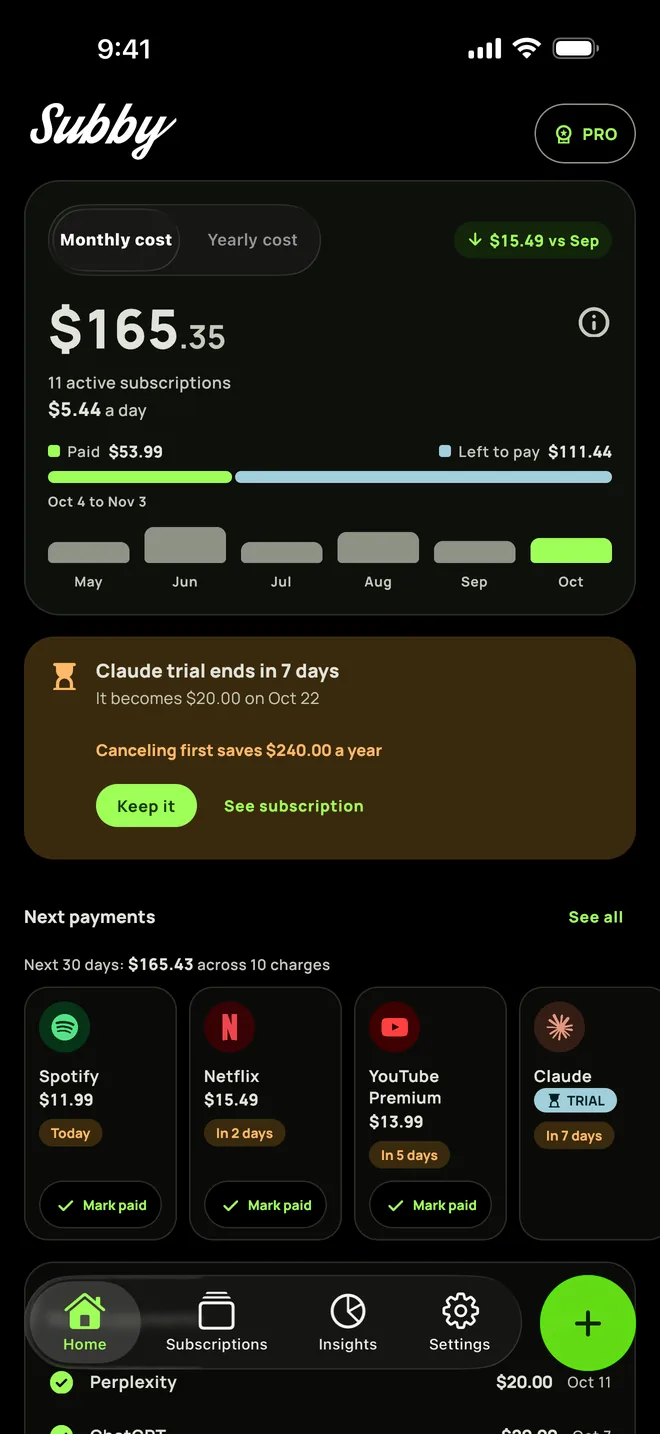
Put Paramount+ in Subby with its renewal date, or the day its free trial ends, and the reminder arrives before the charge. Free to use, with ads, and no account or bank login.
Free · No account · No bank login