How to cancel your Crunchyroll membership
Cancel with the company that bills you, which Crunchyroll.com shows under Settings, then Membership Info. If Crunchyroll bills you, choose Cancel Subscription there. An app membership is cancelled in the app or with Apple or Google Play, and Amazon, PlayStation, Roku or YouTube cancel with the partner. You keep Premium to the end of the billing period.


Check how you are billed
On the Crunchyroll website, log in, select your profile, then click your profile icon, Settings and Membership Info. A partner such as PlayStation appears there too. Subscribed through Amazon Prime Video or The Roku Channel? You cannot log in to Crunchyroll, so look in your account with that service.
| Who bills you | Where to cancel |
|---|---|
| Crunchyroll.com, card or PayPal | Settings → Membership Info |
| The Crunchyroll app, through Apple or Google | Membership in the app, or the store's subscriptions list |
| Amazon, PlayStation, Roku or YouTube | That service's subscriptions page |
How to cancel on the Crunchyroll website
For a membership started on the website with a card or PayPal, per Crunchyroll's cancel article.
- Log in on the website, select your profile, then click your profile picture at the top right and choose Settings.
- Go to Membership Info, then Cancel Subscription.
- Click No thanks, Finish Cancellation.
- Give feedback and click Submit and exit, or click Skip and exit.
How to cancel in the app on iPhone, iPad or Android
A membership started in the app is linked to your Apple or Google account, so the website shows no cancel option for it. Without an app subscription, the app shows none either.
- Tap your profile at the bottom right, then Membership.
- Tap Manage.
- Swipe to your current membership tier, then tap Cancel Subscription.
- Scroll down and tap Continue with Cancellation.
- Tap Crunchyroll to open your subscription.
- Tap Cancel subscription.
You can also use the store. On iPhone that is Settings, your name, then Subscriptions, as you cancel any subscription on iPhone. Apple adds: "If there is no Cancel button or you see an expiration message in red text, the subscription is already canceled." Android uses the same list as any Google Play subscription. Not listed? Check all the accounts connected to your Google Play Wallet.
If Amazon, PlayStation, Roku or YouTube bills you
Cancel on the partner's platform. The option is not on Crunchyroll.com, and "the Crunchyroll Support team will not be able to help you manage your account". If you can log in, the link in Membership Info takes you to that platform.
If you do not see a cancel option
It could be one of four things:
- Another account. Check your inboxes for Crunchyroll receipts or Terms of Service emails.
- Apple or Google. If a message says your subscription is made via iTunes or Google, cancel with the Crunchyroll app.
- A gift card. With no payment method on the account, there is no need to cancel. "Your membership will end automatically once your gift access has ended."
- A pending transaction. It can hide the option for now. Wait 24 hours. If you still cannot cancel, chat with Crunchyroll Support to cancel the transaction, and the option comes back.
What happens after you cancel
You keep your Premium perks until the membership expires at the end of the billing period. To avoid a charge, cancel before the billing date on your latest receipt. Changed your mind? Until the billing cycle ends, you can cancel your cancellation to resubscribe.
Pausing works on Google Play only
Only a Google Play subscription can be paused. In the Android app, tap your account, then Membership and Manage. Tap Cancel Subscription, scroll down and tap Pause my Subscription. Other payment methods cannot pause for now. Crunchyroll suggests cancelling and resubscribing later.
Free trials
The standard trial lasts 7 days, though a promotion can differ, so check the sign-up page. It starts once you sign up for a Premium plan with a trial and your payment method is accepted. You are not charged until the trial ends unless you cancel, but a valid payment method is required. Find the end date under Membership Info or in your sign-up email.
"Unless you cancel in advance, your trial automatically continues as a paid membership". A cancelled trial stops Premium at once, unlike a paid month. A trial comes once, and skipping it bills you at once. A small temporary charge to verify your payment method disappears. If Apple bills the trial, "cancel it at least 24 hours before the trial ends". See how to cancel before a free trial ends.
Why billing can continue after you cancel
"Deleting the app, logging out, or removing your payment method won’t cancel your subscription." Crunchyroll's billing article lists three usual causes: a recent renewal or one already processing when you cancelled, a subscription under another email address, and one with a third party such as Apple or Google.
Check the status where you signed up. One final charge is normal if you cancel on or after your renewal date. A future end date means it is cancelled but still active and will not renew. No active membership means the charge may come from another account or provider. Search your inboxes, spam included, for another Crunchyroll account. Still stuck? Give Crunchyroll Support your payment details. For a plan you keep, set a reminder before the next charge.
Refunds
For Apple, sign in at reportaproblem.apple.com and request a refund. On Google Play, the developer can process refunds under its policies and applicable laws.
Keeping Crunchyroll? Keep the renewal date
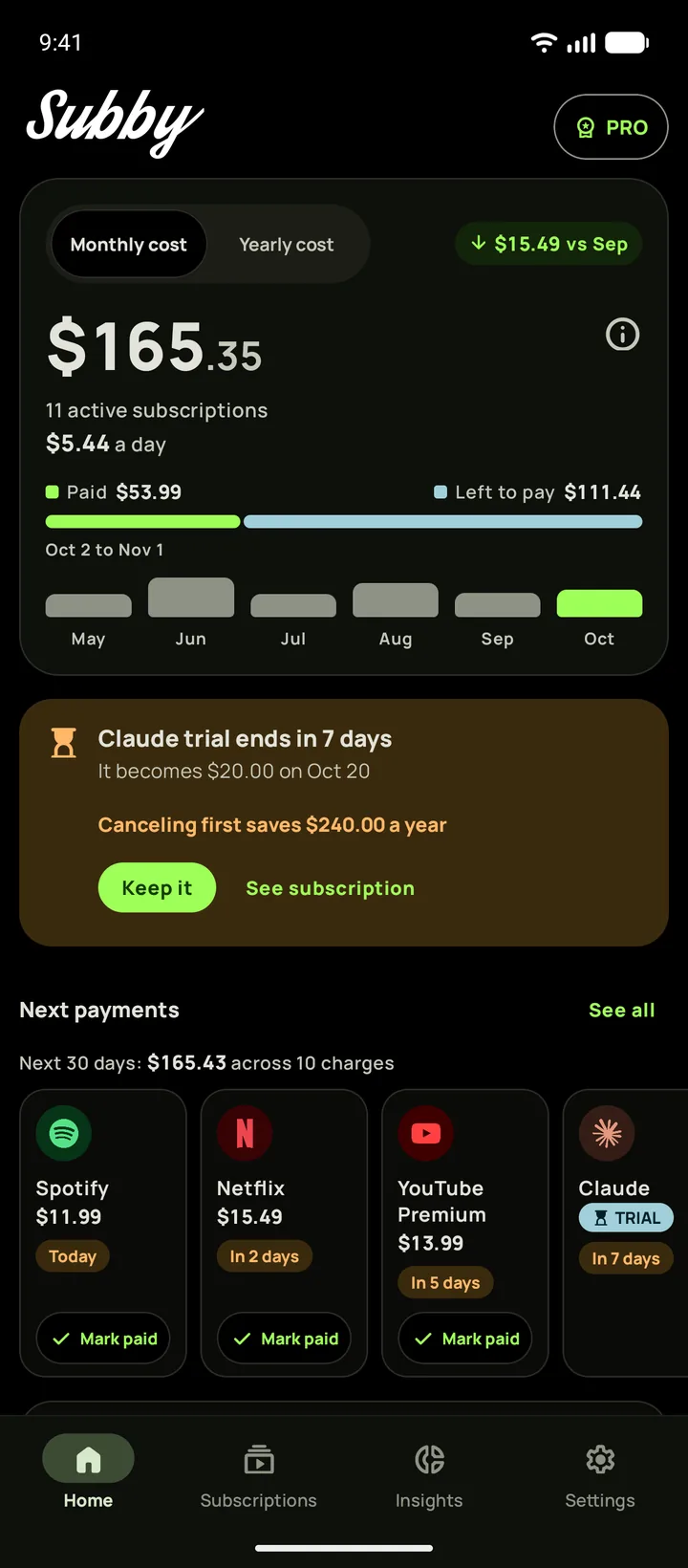
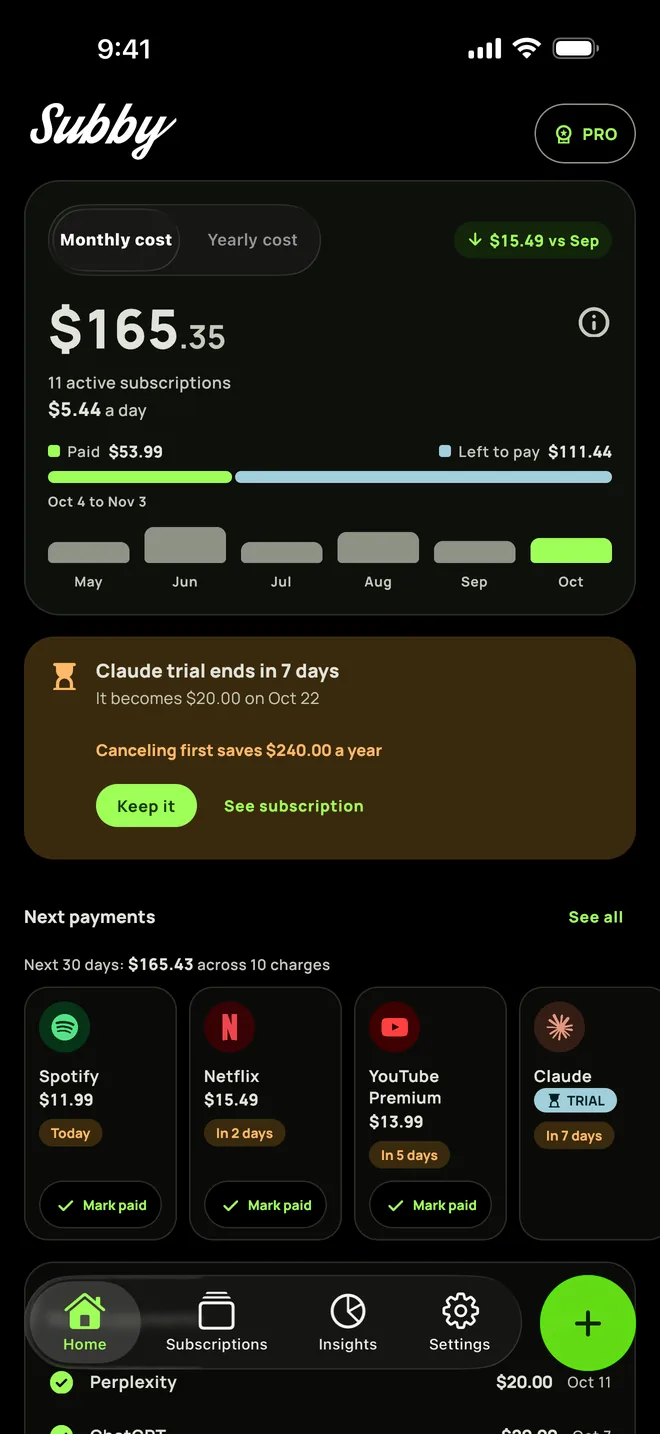
Put Crunchyroll in Subby with its renewal date, or the day its trial ends, and the reminder arrives before the charge. Free to use, with ads, and no account or bank login.
Free · No account · No bank login
Sources
- Crunchyroll Help Center. How do I cancel my membership?
- Crunchyroll Help Center. How do free trials on Crunchyroll work?
- Crunchyroll Help Center. Why am I still being billed after cancelling?
- Apple Support. Cancel a subscription from Apple
- Apple Support. Request a refund for apps or content that you bought from Apple
- Google Play Help. Cancel, pause, or change a subscription on Google Play
- Google Play Help. Learn about Google Play refund policies