How to cancel your DAZN subscription
Open My Account in the DAZN app, select Subscription, then Cancel subscription, and enter your password. If Apple, Google, Roku or Amazon bills you, DAZN cannot cancel it, so cancel with them instead. You keep DAZN until your selected cancellation date.


Start with who bills you
If you subscribed through a provider like Apple, Google, Roku or Amazon, DAZN's help center says "you will need to manage and cancel your subscription directly on their respective platform." It adds: "DAZN cannot cancel these subscriptions on your behalf."
| Who bills you | Where the cancel button lives |
|---|---|
| DAZN (you subscribed with DAZN) | My Account in the DAZN app |
| Apple (you subscribed through the App Store) | iPhone or iPad Settings → your name → Subscriptions |
| Google Play | Subscriptions in Google Play |
| Roku | my.roku.com/subscriptions, or Manage subscription on the Roku device |
| Amazon or another third-party provider | The account of that provider, not DAZN |
Not sure which? DAZN's iTunes article says signing up in its iPhone or iPad app ends with confirming your payment via iTunes, so a plan started there is likely billed by Apple. Apple suggests searching your email for "receipt from Apple" or "invoice from Apple". Otherwise, your bank or card statement shows who bills you.
How to cancel DAZN in My Account
DAZN's help article gives these steps for an Annual plan, paid now or paid monthly, and for Monthly Flex. They are for a plan you pay DAZN directly.
- Open the DAZN app and select the profile icon at the top right corner.
- Go to My Account.
- Select Subscription.
- Scroll to the bottom of the page, select Cancel subscription, then Continue.
- Choose your reason for cancelling. DAZN then shows a list of offers. To keep your subscription, select Check out this offer. Otherwise, select No thanks.
- Enter your password to cancel the subscription and complete the process.
What happens after you cancel
DAZN's help center says: "You will retain access to DAZN until your selected cancellation date." Whether a charge follows depends on the plan.
- Monthly Flex. "This plan has a 30-day cancellation period." You may still be charged a pro-rated amount, which DAZN says is usually lower than your regular monthly fee.
- Annual, pay monthly. "This is a 12-month contract." "Payments are taken monthly until the end of your term." If you cancel before the term ends, "you will only stop the future renewal and not the current billing cycle."
For an Annual plan paid now, the article gives the same steps and access date and no charge details. The subscription details it links to show type, start date, next payment date, end date and payment history.
Free trial
Where DAZN offers the 8-Day Free Trial, the help article gives it its own link: "To cancel your 8-Day Free Trial, click here and follow the on-screen instructions." If Apple bills the trial, cancel at least 24 hours before it ends, as the trial cancellation guide explains.
How to cancel DAZN billed by Apple
DAZN's iTunes article says the easiest way is My Account in the menu of its iPhone or iPad app, which links to the iTunes Store. That link only points you to Apple, where the cancel happens and "you can cancel at any time and your subscription will run to the end of your current payment period." On a current iPhone, follow these steps to cancel any subscription on iPhone:
- Open Settings and tap your name.
- Tap Subscriptions.
- Tap DAZN.
- Tap Cancel Subscription. You might need to scroll down to find it.
No Cancel button, or an expiration message in red text? Apple says the subscription is already cancelled.
The article lists two more routes, and it still calls the store iTunes:
- iTunes on a computer. Go to Account, select View my Account, then select Manage on the Subscriptions page.
- Apple TV. Go to Settings, select Accounts, then Subscriptions, then Manage Subscriptions.
How to cancel DAZN billed by Google Play
Sign in to the Google Account that has the subscription. The list is the same one you use to cancel any app on Google Play.
- On your Android device, go to subscriptions in Google Play.
- Select DAZN.
- Tap Cancel subscription.
- Follow the instructions.
Google warns: "When you uninstall the app, your subscription won't cancel." Cancel before you remove the app.
How to cancel DAZN billed by Roku or Amazon
DAZN's help names Roku and Amazon among the providers you cancel with directly. For a plan billed through Roku, go to my.roku.com/subscriptions, select DAZN under Active subscriptions, then choose Manage subscription and Turn off auto-renew. On the device, press the Star button on the app and choose the same two options.
Roku says "When you cancel your subscription, you'll still have access until your current billing cycle ends." The DAZN article gives no Amazon steps, so use the Amazon account that bills the plan.
The mistakes that keep you paying
One is waiting for a warning. DAZN says it does not currently send notifications before charging your account, and recommends "regularly checking your billing date in your account settings to avoid surprises." Check the next payment date in your subscription details, and keep it where you will see it, with a reminder before the next charge.
Another is hunting for the cancel button in DAZN when a provider bills you. DAZN cannot end that plan for you, and billing continues until you cancel with the provider.
Keeping DAZN? Keep the renewal date
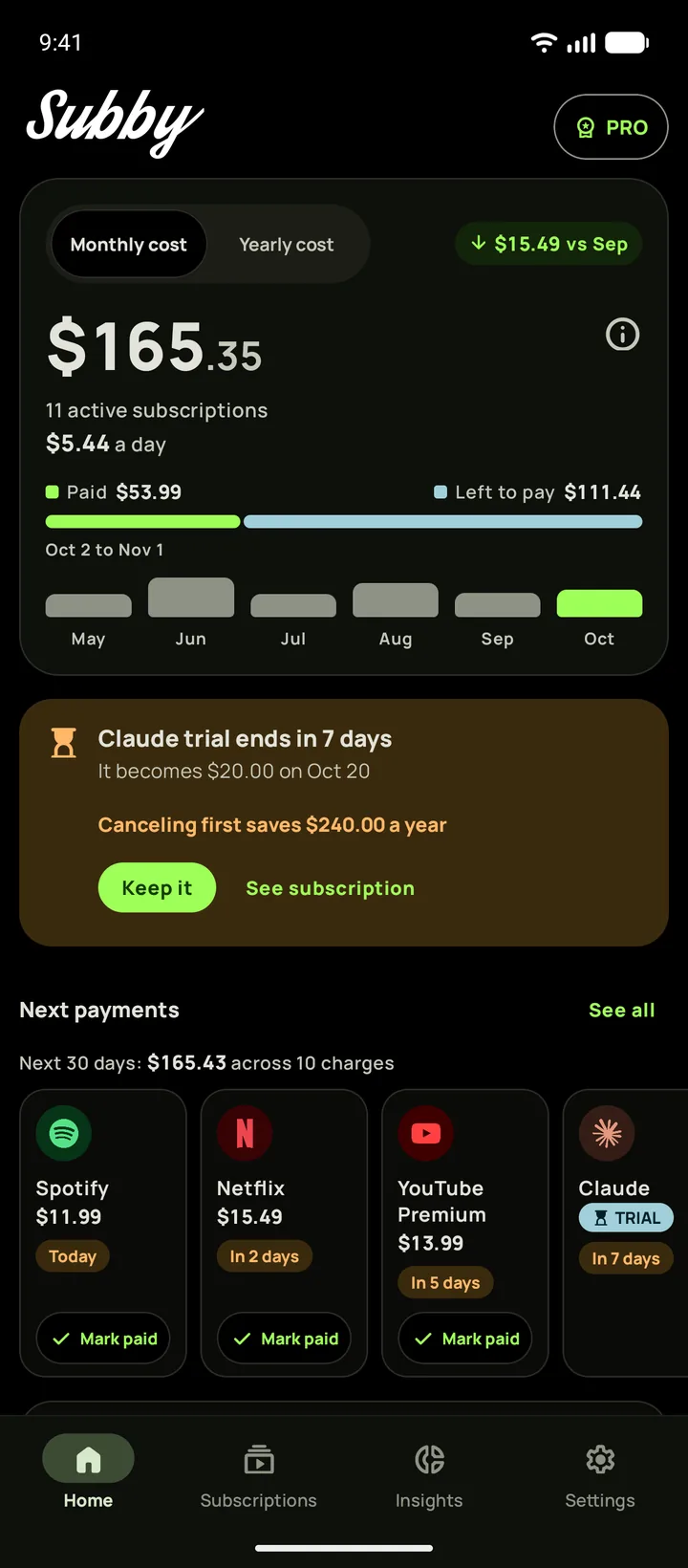
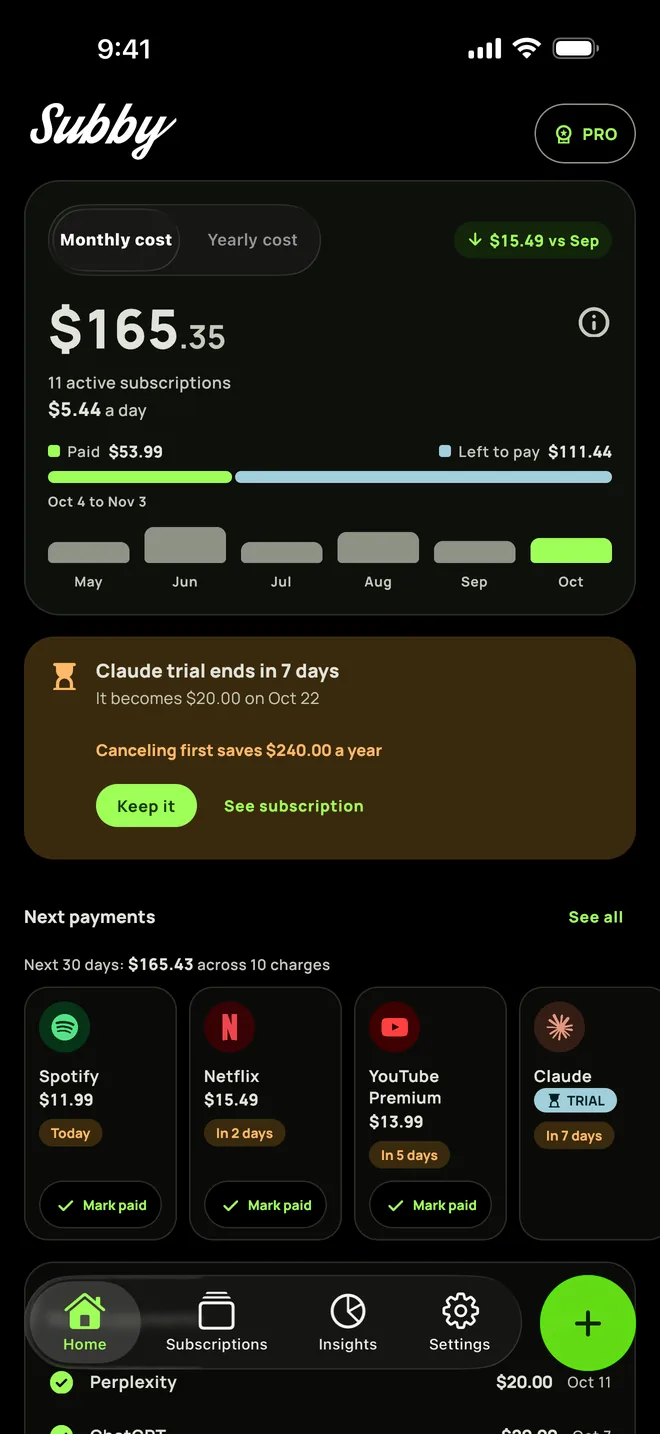
Put DAZN in Subby with its billing date, and the reminder arrives before the charge, which DAZN says it does not send. Free to use, with ads, and no account or bank login.
Free · No account · No bank login
Sources
- DAZN Help. How do I cancel my subscription?
- DAZN Help. Manage your subscription through iTunes
- DAZN Help Center. How to find your billing date?
- Apple Support. Cancel a subscription from Apple
- Google Play Help. Cancel, pause, or change a subscription on Google Play
- Roku Support. Manage or cancel subscriptions on Roku