How to cancel CapCut Pro
You cancel CapCut Pro where you bought it. On iPhone that is Settings, your name, Subscriptions. On Android it is Google Play's subscription list. A plan bought on the web or in CapCut Desktop is cancelled from your CapCut account. Do it at least 24 hours before renewal, and Pro stays until the period ends.


Who bills you decides where you cancel
CapCut sells Pro in the mobile apps, on the web and in CapCut Desktop. Its help center says these plans "are managed through external platforms such as the App Store, Google Play, or desktop billing systems." Its US terms of service name the three places to cancel: "you must cancel your subscription to the Premium Services through your Apple ID account, Google account and/or CapCut account (as applicable) before the end of the then-current subscription period."
| Where you subscribed | Where to cancel |
|---|---|
| The CapCut app on iPhone or iPad | Settings → your name → Subscriptions → CapCut |
| The CapCut app on Android | Google Play → profile icon → Payments & subscriptions → Subscriptions → CapCut |
| CapCut Online or CapCut Desktop | The subscription page of your CapCut account |
How to cancel CapCut Pro on iPhone or iPad
- Open Settings.
- Tap your name.
- Tap Subscriptions.
- Select CapCut.
- Tap Cancel Subscription.
Apple adds that if there is no Cancel button, or an expiration message shows in red, the subscription is already cancelled. These are the steps for any subscription on iPhone.
How to cancel CapCut Pro on Android
- Open Google Play.
- Tap your profile icon.
- Tap Payments & subscriptions, then Subscriptions.
- Select CapCut.
- Tap Cancel.
Google's help puts the usual trap in one line: "When you uninstall an app, your subscription won't cancel." The Play list and its other options are in cancelling subscriptions on Google Play.
On the web or in CapCut Desktop
CapCut publishes no step list for these plans. Its help says to cancel "via the subscription page on the web, PC, or mobile, depending on where you originally subscribed." To see what you have, CapCut Online shows your plan under your profile icon, as Membership or Pro Status. If you can't switch off auto-renewal, CapCut's answer is to contact its support with your account email, your platform, a screenshot of the problem and the order number or receipt.
Timing, renewal and refunds
CapCut's cutoff is a day: "If you forget to cancel your subscription at least 24 hours before the renewal date, your account will be charged, and a new billing cycle will begin." It may send a notice one day before a renewal. That leaves almost no margin, so cancel when you decide rather than when the notice comes.
Cancelling early costs nothing. Under CapCut's US terms you keep Pro to the end of the period, and "After the cancellation takes effect on the last day of the then-current subscription period, you will be downgraded to the Free Services automatically." Plans can't be switched mid-period either. Moving from monthly to yearly means cancelling, waiting for the period to end, then subscribing again.
Refunds are narrow. CapCut's help calls subscriptions virtual goods and says "generally, purchases do not support refunds." Its US terms add one exception, a full refund within 14 calendar days of the start of a subscription, provided you haven't used Pro in any form since. App Store purchases are refunded by Apple, not by CapCut. CapCut's terms vary by region, so check the version shown for your country.
What happens to credits
On CapCut Online, the monthly credits that come with Pro stay usable until the billing cycle ends, then expire without rolling over. Credits you bought separately, and promotional ones, aren't affected by cancelling. CapCut says its desktop and mobile apps don't use credits at all.
The mistake that keeps you paying
Deleting CapCut and assuming that ends it. The App Store or Google Play keeps billing a plan you bought in the app until you cancel it there, whether the app is still on your phone or not. Cancel in the store, check that the plan now shows an end date, and put that date in your list.
Keep the renewal date where you see it
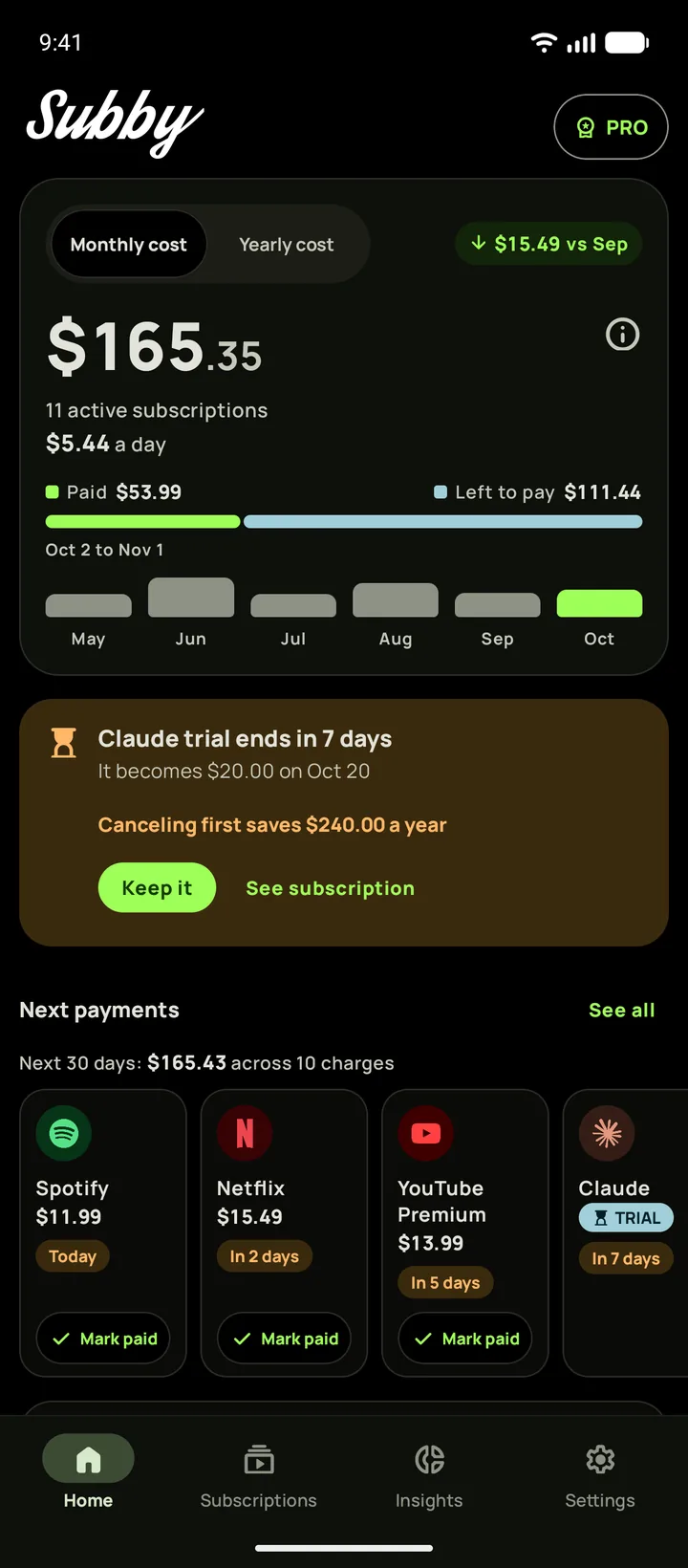
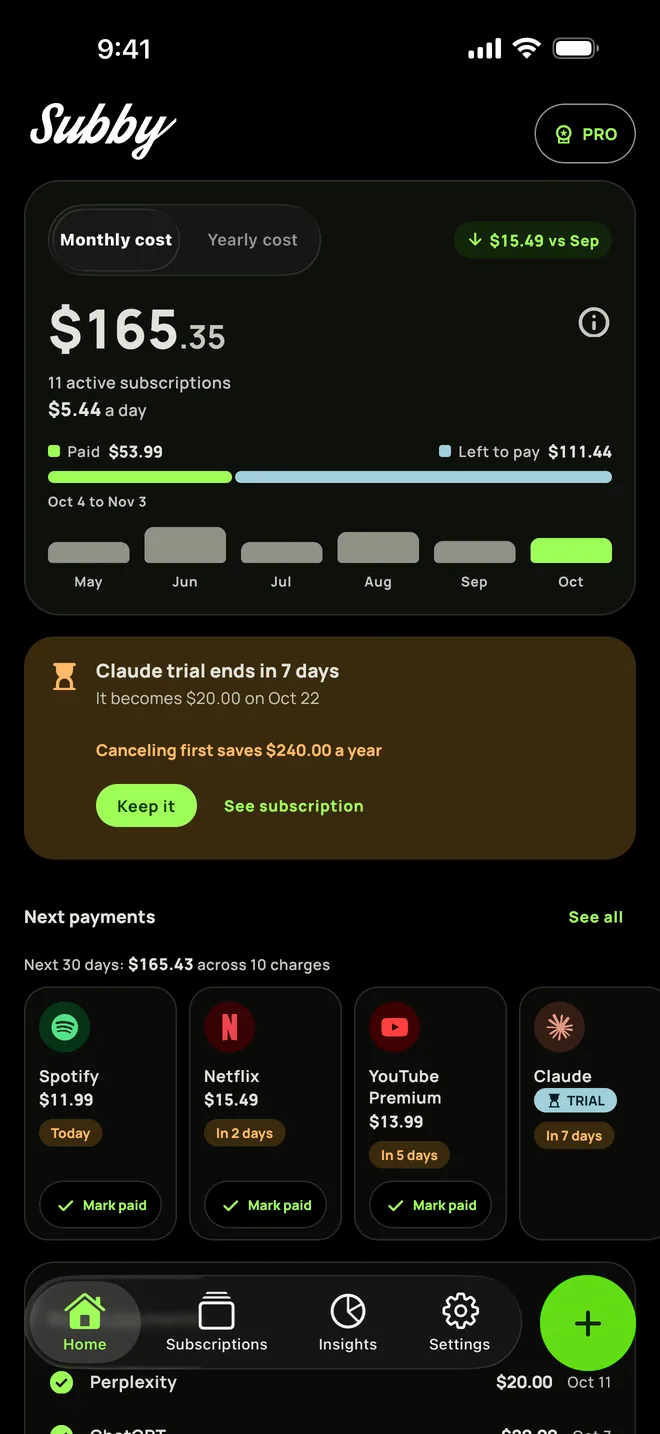
Put CapCut Pro in Subby with its renewal date, and the reminder arrives at the lead time you pick, not the night before. Free to use, with ads, and no account or bank login.


Free · No account · No bank login
Sources
- CapCut Help Center. What Happens If I Forget to Cancel My Subscription?
- CapCut Help Center. Why Am I Notified of A Charge Before Renewal?
- CapCut Help Center. Can I Change My CapCut Pro Subscription Plan After Purchase?
- CapCut Help Center. What Should I Do If I Can't Cancel Auto-renewal?
- CapCut Help Center. Refund requests during an age restriction appeal (App Store and Google Play cancel steps)
- CapCut Help Center. Are My Credits Still Valid After I Cancel My Pro Subscription?
- CapCut Help Center. Why Am I Unable to Use CapCut Pro Features/Materials?
- CapCut Terms of Service (US version, last updated April 15, 2026)
- Apple Support. Cancel a subscription from Apple
- Google Play Help. Cancel, pause, or change a subscription on Google Play