How to cancel Discord Nitro
On desktop or the web, open User Settings, then Subscriptions, and select Cancel in the Nitro banner. In the Discord app on a phone, go to Billing Settings, then Manage Nitro, and if Apple bills you, cancel in Apple's subscription list. Nitro lasts to the end of the billing period, and the 2 Server Boosts that come with Nitro end with it.


Start with where you subscribed
Discord's rule for every Nitro cancellation: "Subscriptions need to be canceled on the same device type where the purchase was originally made." Bought on desktop or in a browser, you cancel there, even if you use Nitro on your phone. Bought on a phone, you cancel on a phone.
| Where you subscribed | Where to cancel |
|---|---|
| Discord (the desktop app or a browser) | User Settings → Subscriptions |
| Google Play (the Discord Android app) | The Discord app → Billing Settings → Manage Nitro, or Google Play → Subscriptions |
| Apple (the Discord iPhone or iPad app) | iPhone or iPad Settings → your name → Subscriptions |
How to cancel Nitro on desktop or the web
- Open Discord and select the cogwheel next to your username to open User Settings.
- Open the Subscriptions tab.
- In the Nitro or Nitro Basic banner, select Cancel.
- Follow the prompts.
How to cancel Nitro on Android
In the Discord app on your phone:
- Tap your avatar in the bottom right, then the cogwheel in the top right.
- Scroll down to Billing Settings and tap Manage Nitro.
- Cancel Nitro or Nitro Basic and follow the prompts until the cancellation is confirmed.
Discord also lets you cancel from Google Play. Signed in to the Google account that paid, go to Subscriptions in Google Play, select the subscription, tap Cancel subscription and follow the instructions. Our guide covers how to cancel any Google Play subscription.
How to cancel Nitro on iPhone or iPad
Discord says "Discord subscriptions purchased through the Apple App Store can only be managed in your Apple settings." The steps are the ones you use to cancel any subscription on iPhone:
- Open Settings and tap your name.
- Tap Subscriptions.
- Tap Discord.
- Tap Cancel Subscription.
No Cancel button, and an expiration message in red text? Apple says "the subscription is already canceled."
Server Boosts that end with Nitro
Nitro includes 2 Server Boosts, and they end with the plan. Discord's Server Boosting FAQ lists "Your Nitro (with 2 included Server Boosts) or your Server Boost(s) subscription has ended" among the reasons you can lose your boosting streak. A server that loses a level keeps its level perks for 72 hours.
Boosts you bought separately are their own subscription. Discord's trial FAQ says they stay active if you cancel Nitro and renew for their full amount. To cancel one on desktop, open User Settings, then the Server Boost tab, select the three dots next to the Boost and choose Cancel Boost Subscription. On a phone, open Manage Nitro and tap Cancel next to the Server Boost subscription.
What happens after you cancel
Discord: "Once canceled, your subscription will end at the end of your current billing period." Change your mind before the period ends and select Re-Subscribe in the banner on the Subscriptions tab. On a phone, Discord points you to Manage Nitro instead. After the period ends, you buy a new subscription.
Refunds and trials
Cancelling is not a refund. For Nitro or Boosts bought from Discord, its Refund Policy says to contact Support "within 5 days of your initial purchase". For an App Store purchase, you "request a refund for those purchases via the iOS App Store". On a Nitro free trial, Discord says you finish the trial and "we will not charge you on the renewal date." Apple's rule for an App Store trial is to cancel at least 24 hours before it ends.
Deleting the app or the account
Deleting the app does not cancel a Google Play subscription. Google says "When you uninstall the app, your subscription won't cancel." Discord says deleting your account cancels Nitro and Boosts: "Your subscriptions like Nitro and/or Server Boosts will be cancelled." But deletion takes 15 days and ends your access to servers, messages and purchases. For an Apple plan, Discord's iOS FAQ lists cancelling the subscription and deleting the account as two separate steps. Locked out of the account? Discord's Billing Support handles a desktop, browser or Android plan through dis.gd/billing, and only Apple handles an Apple plan.
The mistake that keeps you paying
Cancelling in the wrong place, or only half of it. A phone plan can't be cancelled from desktop, an Apple plan can't be managed from desktop, a browser or Android, and cancelling Nitro leaves any separate Boost subscription running. Check User Settings and your Apple or Google list once, and keep every renewal date where you will see it, with a reminder before the next charge.
Keeping Nitro? Keep the renewal date
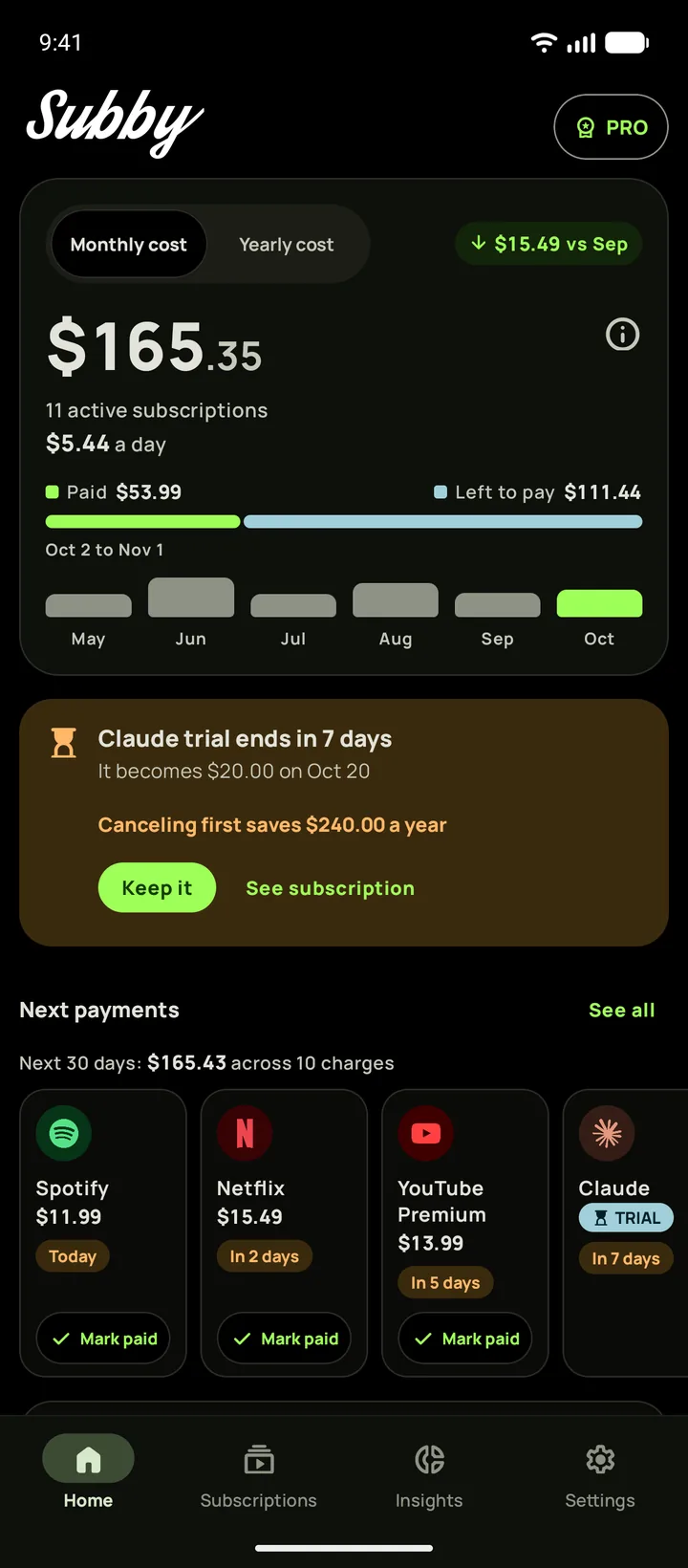
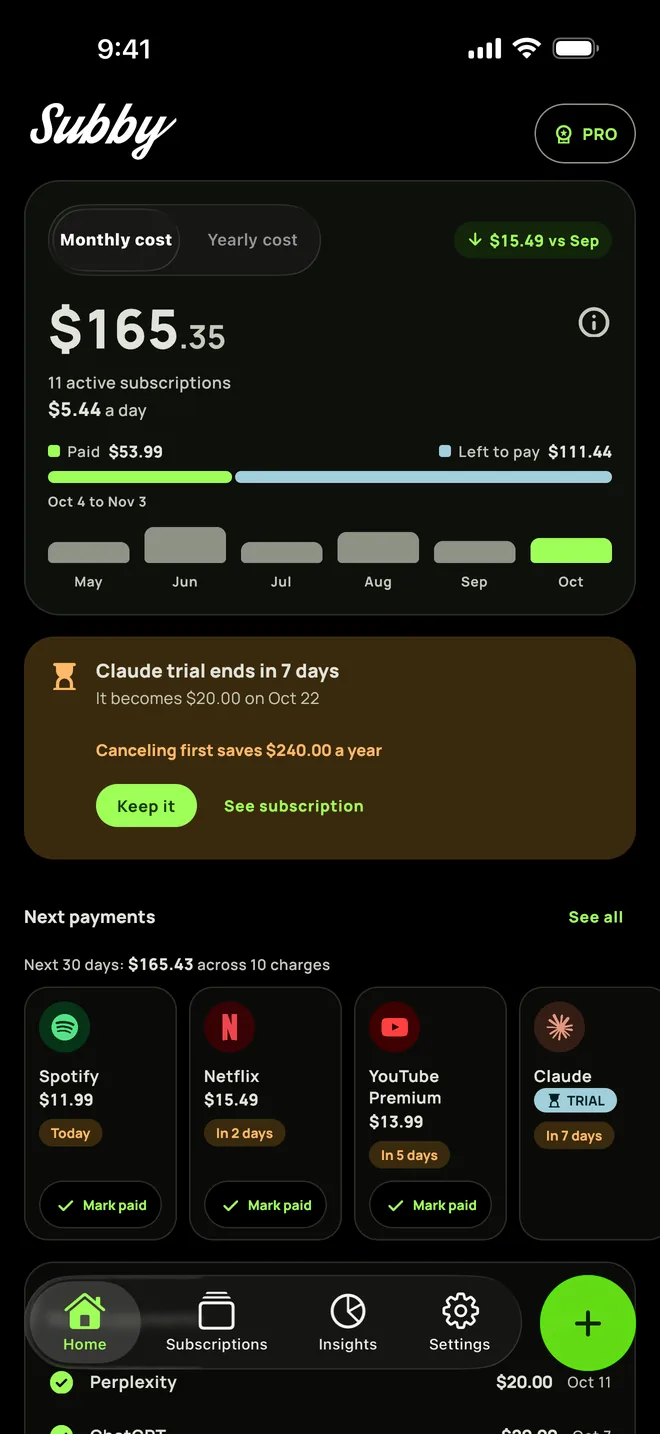
Put Discord Nitro in Subby with its renewal date, or the day its trial ends, and the reminder arrives before the charge. Free to use, with ads, and no account or bank login.
Free · No account · No bank login
Sources
- Discord Help Center. How to Cancel your Nitro Subscription
- Discord Help Center. How to Cancel your Server Boost Subscription
- Discord Help Center. What are Nitro & Nitro Basic?
- Discord Help Center. Server Boosting FAQ
- Discord Help Center. Nitro Free Trial Offer FAQ
- Discord Help Center. iOS Purchases on Discord FAQ
- Discord Help Center. Refund Policy
- Discord Help Center. How to Delete your Discord Account
- Apple Support. Cancel a subscription from Apple
- Google Play Help. Cancel, pause, or change a subscription on Google Play