How to cancel EA Play
Cancel EA Play where you joined it. On PC through the EA app, sign in to your EA Account, open Subscriptions and Memberships, and select Cancel membership. On PlayStation or Xbox you cancel in that platform's subscriptions, and on Steam or Epic you contact their support. Access lasts to the end of the period, and EA says memberships are not refundable.



Find out where you joined EA Play
EA Play is sold through the EA app, Steam, Epic, PlayStation and Xbox, and you cancel with the one you joined through. If you joined through Steam, Epic, PlayStation or Xbox, EA's help page says to "contact their support team directly" if you have issues canceling.
| Where you joined EA Play | Where to cancel |
|---|---|
| The EA app on PC (EA Play or EA Play Pro) | Your EA Account → Subscriptions and Memberships |
| PlayStation | Account Management, or Subscriptions on the console |
| Xbox | Your Microsoft account → Services & subscriptions |
| Steam or Epic | Steam or Epic, through their support |
| Xbox Game Pass Ultimate or PC Game Pass | It comes with the plan, so you manage Game Pass |
How to cancel EA Play on PC (EA app)
For EA Play and EA Play Pro bought through the EA app. EA's PC help page says "You can cancel EA Play on PC at any time."
- Go to your EA Account and sign in with the EA Account details you used to join EA Play.
- Select the Subscriptions and Memberships tab.
- In the Your membership section, select Cancel membership.
- On the new browser page that opens, select Cancel membership again.
You can keep using the membership "until your Next billing date", which EA lists under Billing information in the EA Play tab. Until then you can "reverse the cancelation". To rejoin, select Join Now on the EA Play website.
How to cancel EA Play on PlayStation
PlayStation's help page lists EA Play among the subscriptions you cancel in your PlayStation account. On the web:
- Sign in to Account Management.
- Select Subscription.
- Select Cancel below your EA Play subscription.
On a PS5, go to Settings > Users and Accounts > Account > Payment and Subscriptions > Subscriptions, select EA Play and choose Cancel Subscription. EA words the step as Turn Off Auto-Renew, so the label may differ. The subscription stays active until the next payment date, and Reactivate Subscription keeps it if you change your mind.
How to cancel EA Play on Xbox
EA's steps for a membership bought through Xbox:
- Sign in to your Microsoft account.
- Choose Services & subscriptions.
- Choose Manage next to your EA Play membership.
- Cancel your membership.
To end it immediately, "you can contact Xbox Support and ask them to cancel it."
EA Play bought through Steam or Epic
EA says that if you joined through Steam or Epic, you won't see your membership information in your EA Account settings, and to contact Steam Support or Epic Support directly to cancel. On renewable subscriptions in general, Steam's refund page says "you can cancel an active subscription at any time by going to your account details." You then keep access "through the end of your current billing cycle."
EA Play inside Xbox Game Pass
EA says "You get EA Play with your subscription if you have Xbox Game Pass Ultimate or PC Game Pass." Game Pass Core and Standard don't include it, and EA Play Pro isn't included with Ultimate or PC Game Pass either. EA says "Your Xbox Game Pass subscription gives you a full EA Play membership", so it is your Game Pass plan you manage: see our Xbox Game Pass guide.
Switching has a catch. EA Play on Xbox is "automatically canceled" when you join Ultimate, with the leftover time converted at 3:1. A PC membership from the EA app gets no such conversion.
What happens after you cancel
You keep EA Play until the period you paid for ends. Then the games in The Play List stop working unless you buy them or rejoin. Your progress stays if you don't delete your save files, and purchases you made with the member discount are yours to keep.
Refunds
"EA Play memberships are not refundable." EA allows exceptions in some circumstances. Its example is an upgrade to EA Play Pro in the EA app, which refunds the unused time on your original membership.
Deleting the app or the account
On EA's cancel page, removing games from your EA app Library comes after you cancel, and it is not a cancel step. Deleting your EA Account isn't one either: EA's deletion page says you lose access to subscriptions, and "If you have an EA Play membership on your console, contact Microsoft or Sony to cancel it."
The mistake that keeps you paying
Canceling in one place while the charge comes from another. A Steam or Epic membership doesn't show in your EA Account, and EA says any time left on a PC membership from the EA app is not converted into Game Pass time, so look at it separately. Check every place once, cancel what you don't use, and keep the renewal date of the plan you keep where you will see it, with a reminder before the next charge.
Keeping EA Play? Keep the renewal date
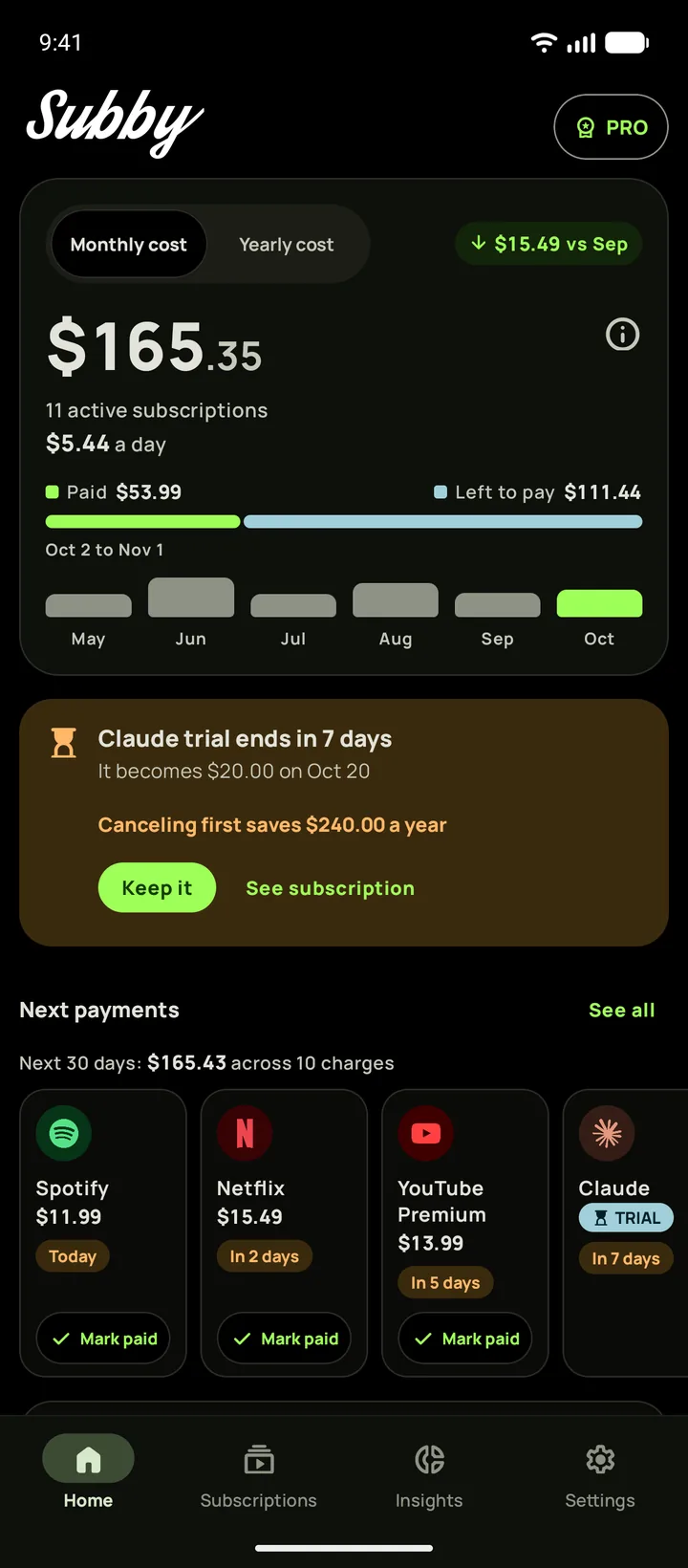
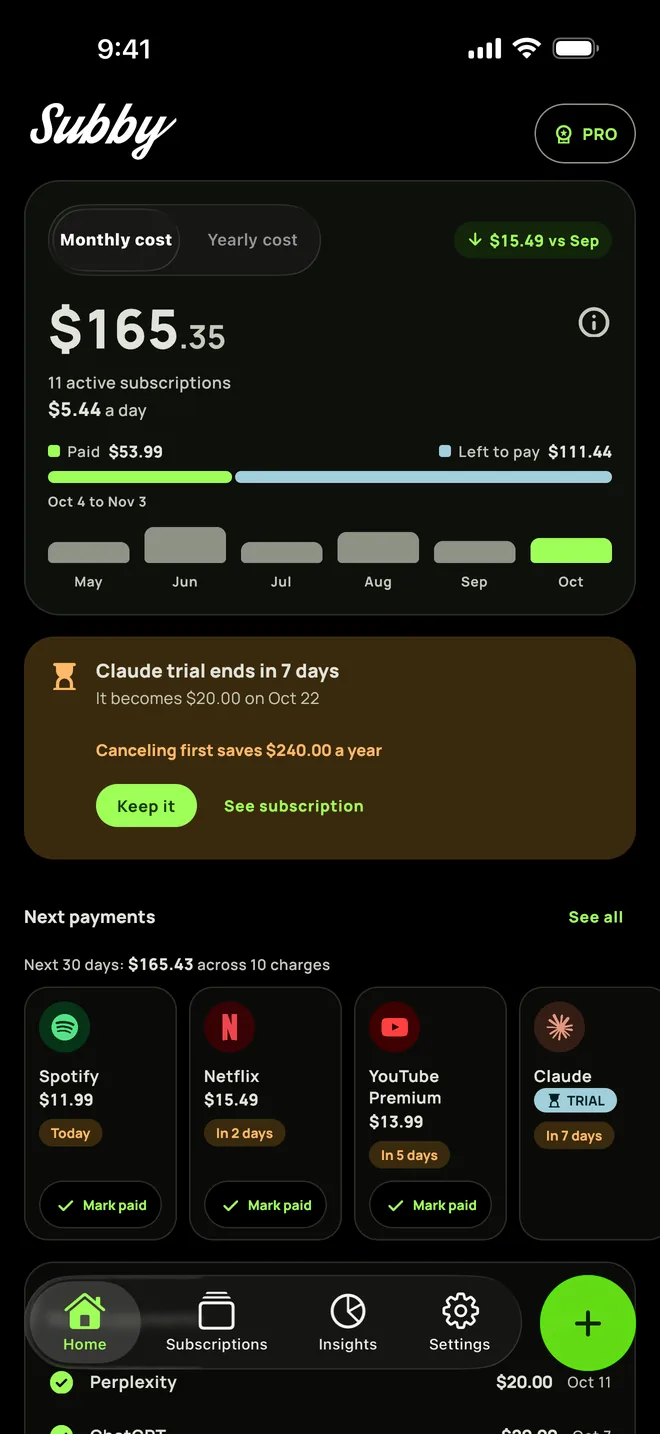
Put EA Play in Subby with its renewal date, and the reminder arrives before the charge with the amount and the card on it, however you pay for it. Free to use, with ads, and no account or bank login.
Free · No account · No bank login
Sources
- EA Help. How to cancel an EA Play membership
- EA Help. How to manage an EA Play on PC membership
- EA Help. How does EA Play work with Xbox Game Pass?
- EA Help. How to troubleshoot common EA Play issues and errors
- EA Help. How to delete your EA Account
- PlayStation Support. How to manage subscriptions on PlayStation
- Steam. Steam Refunds