How to cancel your Twitch subscription
Cancel where you subscribed. On twitch.tv, open twitch.tv/subscriptions, click the cog, select Don't Renew Subscription and confirm on the next page. Subscribed in the Twitch app? Cancel in the app, or with Apple or Google Play. Your benefits last until the Sub End Date.



Cancel where you subscribed
Twitch splits subscriptions by where you bought them. A web subscription is managed on twitch.tv. An app subscription is cancelled in the Twitch app, or through the platform's store or website. Twitch's mobile help says "Subscriptions purchased through the Twitch mobile app cannot be managed on Twitch's website (twitch.tv/subscriptions)."
| Where you subscribed | Where to cancel |
|---|---|
| The Twitch website | twitch.tv/subscriptions → the cog → Don't Renew Subscription |
| Turbo | The same page, under Other Subscriptions |
| The Twitch app on iOS or Android | The Twitch app, or Apple's or Google Play's subscription list |
| A channel sub redeemed with Twitch Prime | It can't be cancelled once it is spent |
Not sure where you bought it? Twitch's refunds article says the invoice ID tells you: Google Play IDs begin with GPA., Apple IDs are letters and numbers, and web IDs are a series of numbers.
How to cancel on twitch.tv
- Sign in to Twitch in a browser and open your Subscriptions Management page at twitch.tv/subscriptions.
- Find the subscription you want to cancel. Turbo is under Other Subscriptions.
- Click the cog in the upper right of that subscription.
- Select Don't Renew Subscription.
- On the next page, select Don't Renew Subscription again to confirm.
The second click is not optional: Twitch says the cancellation is not complete until you select it again on that page. Its refunds article calls the same option Do Not Renew.
How to cancel in the Twitch app
Twitch recommends the app over the Google Play or Apple subscription manager.
- Open the Twitch app and tap your profile picture in the top left corner.
- Select Subscriptions and tap the subscription you want to manage.
- Cancel it from that screen.
A web subscription shows under Other Subscriptions in the app, but you can't manage it from the phone. If you lost the phone you subscribed on, log in to the Twitch app on any Android or iOS device, tap your profile, the Settings icon, then Subscriptions.
How to cancel with Apple or Google Play
Twitch also lets you cancel a mobile subscription in the store: Apple's website or the App Store on iOS, the Google Play website (signed in to your Google Account) or the Google Play subscription center on Android. If you can't open the Twitch app at all, Twitch calls the stores' web tools the last resort.
On iPhone, open Settings, tap your name, then Subscriptions and Twitch, then Cancel Subscription, as when you cancel any subscription on iPhone. On Android, open subscriptions in Google Play, select Twitch and tap Cancel subscription, the same list as for any app you pay for through Google Play. One catch: "Google Play's subscription manager does not display specific channel names for Twitch subscriptions", while the Twitch app shows each one by channel name.
When the charges stop
Twitch sets the deadline in its refunds article: "You may cancel existing subscriptions up to 24 hours before your Sub Renew Date (which can be viewed on your Subscriptions page) to avoid being charged for the next renewal period." After a successful cancel, the subscription shows a Sub End Date, and "You will continue to enjoy your current subscription benefits (including emote use and channel badge) until this date". After it, the subscription expires and the benefits end.
Changed your mind? "As long as you resubscribe within 7 days of your subscription benefits ending, you will not notice a break in your sub streak anniversary." You can't reactivate right away. You subscribe again once the current benefits expire. Twitch's mobile article says 28 days, so the two differ. Plan on the 7.
Prime subscriptions and cancelling in bulk
Twitch says Prime channel subscriptions can't be cancelled "once the Subscription is spent". If the perk applies to you, you can redeem it again the following month. Bulk cancelling is not an option either: "It is not possible to mass-cancel all your subscriptions at once, through Twitch's subscription management interfaces." Cancel them one by one.
Refunds
Cancelling is not a refund. Twitch says "We may offer limited refunds on purchases of recurring subscriptions." and "Decisions whether to refund a subscription purchase are solely within Twitch's discretion." Beyond that, "we do not offer refunds for recurring subscriptions (including channel subscriptions and Turbo)" except where technical issues affect the purchase or its benefits, where the purchase was fraudulent, or where the law requires it.
Where you ask depends on where you paid. For the website or the Android app, log in to the Twitch Help Portal and select Subscriptions, then Refund Request. For Google Play purchases, "Do not contact Google Play support for Twitch purchase refunds." For the iOS app, contact Apple support: "Apple handles support matters regarding such purchases directly, and Apple's refund policy will apply." If a refund is issued, "funds will be issued to your original payment method within 10 business days".
The mistake that keeps you paying
Cancelling in the wrong place. A website subscription is not managed in the app, and an app subscription is not managed on twitch.tv. Check twitch.tv/subscriptions, the Twitch app, Apple's list and Google Play's list, cancel the ones you don't use, and keep the Sub Renew Date of the one you keep where you will see it, with a reminder before the next charge.
Keeping Twitch? Keep the renewal date
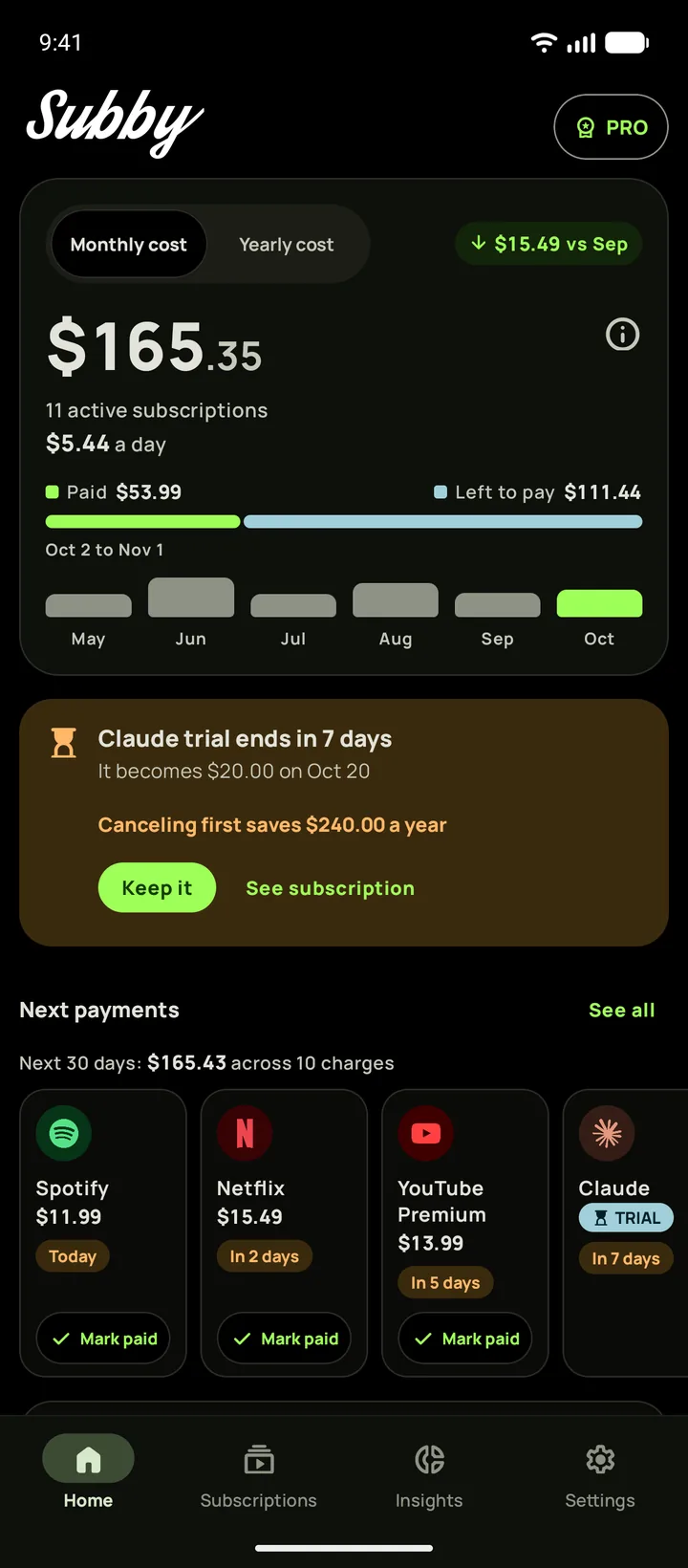
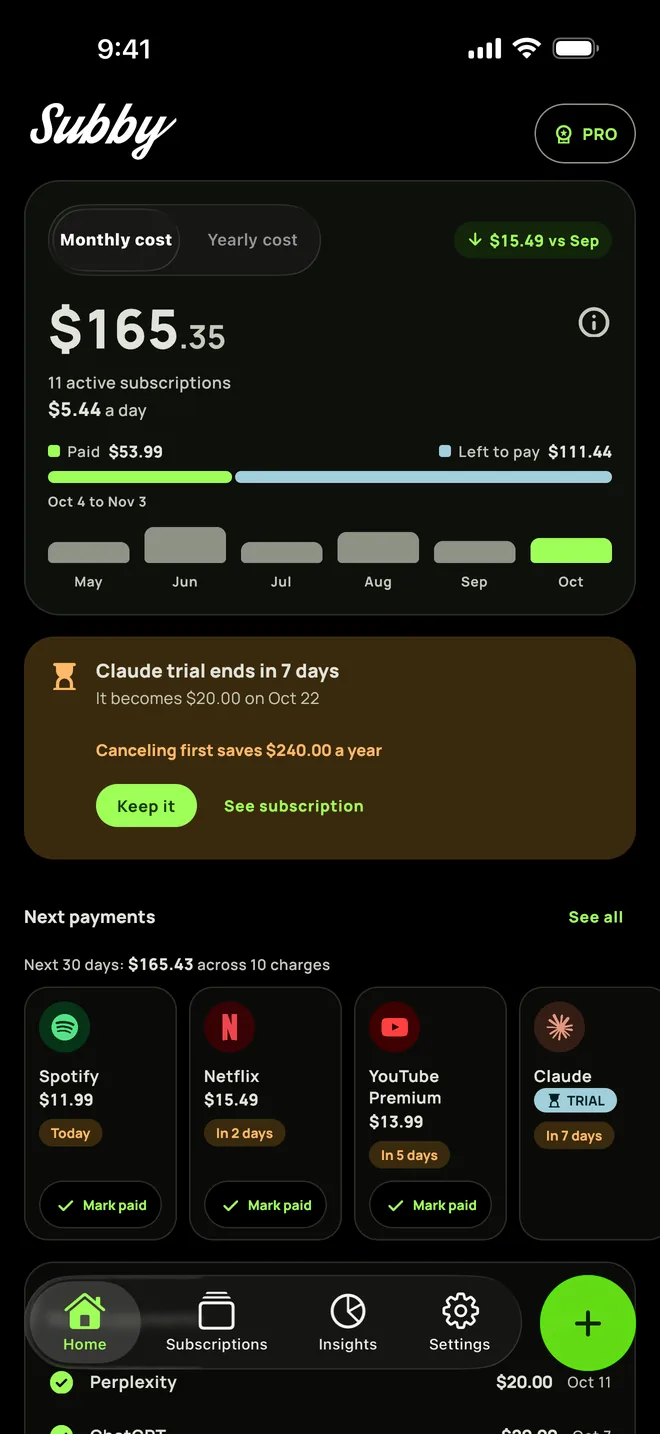
Put your Twitch subscription in Subby with its Sub Renew Date, and pick a lead time of 2 days or more: the reminder arrives before Twitch's 24 hour cutoff. Free to use, with ads, and no account or bank login.
Free · No account · No bank login