How to cancel Roblox Premium
On the Roblox website or desktop app, click the gear icon, open Settings, then Subscriptions, and select Cancel Renewal. If you bought it in the iPhone or Android app, cancel with Apple or Google Play instead. Benefits last to the end of the period you paid for, and Roblox says memberships are non-refundable.


Premium is closed to new buyers, and Plus is separate
Roblox's Premium article carries a notice: "On April 30, 2026, Roblox Premium membership will no longer be available for purchase." Existing subscribers may keep the plan, but "should they cancel, the option to resubscribe will no longer be available."
Roblox Plus is a new subscription, and it differs: "Roblox Plus is a benefits-only monthly subscription with no monthly stipend." You can have both active at once, and both show under Settings, then Subscriptions.
Who bills you decides where to cancel
Roblox's Subscription Terms say "You can cancel your Subscription at any time through the platform on which you purchased the Subscription".
| Who bills you | Where to cancel |
|---|---|
| Roblox (you subscribed on the website or desktop app) | Gear icon → Settings → Subscriptions |
| Apple (you subscribed in the iPhone or iPad app) | Settings → your name → Subscriptions |
| Google Play (you subscribed in the Android app) | Google Play Store → profile icon → Payments & Subscriptions |
| Windows or Amazon app store (Premium only) | Nothing to cancel: it does not renew |
How to cancel on the Roblox website or desktop app
- Log in to the account where the membership was purchased.
- Click the gear icon in the upper right.
- Open Settings and select Subscriptions.
- Click Cancel Renewal and follow the prompts to confirm.
Roblox Plus uses the same button. In Subscriptions, click the arrow (>) beside it to view details, then select Cancel Renewal.
How to cancel on iPhone or iPad
The store manages a membership bought in the app, so these are the steps to cancel any subscription on iPhone:
- Open Settings and tap your name.
- Tap Subscriptions, then tap Roblox.
- Tap Cancel Subscription. You might need to scroll down to find it.
No Cancel button, or an expiration message in red text? Apple says it is already cancelled.
How to cancel on Android
Sign in to the Google Account that has the subscription, and if Roblox is missing, try another account. The same list covers everything you pay for through Google Play:
- Open the Google Play Store app and tap your profile icon.
- Go to Payments & Subscriptions.
- Select the Roblox subscription and tap Cancel subscription.
- Follow the instructions to confirm.
No Cancel Renewal button?
Roblox lists four causes: it is already cancelled or set to expire, it is renewing right now, it is a one-time Windows or Amazon purchase, or you bought it in the app: "Premium Memberships purchased via a mobile app cannot be canceled inside Roblox itself", so use Apple or Google Play.
Locked out? Contact Roblox with the subscribed account's username, since "cancellation requests must be received before the renewal date."
What happens after you cancel
Roblox says "If you cancel, you will continue to receive benefits for the remainder of the time you have already paid for." The monthly Robux stipend is one of Premium's listed benefits, and each deposit shows on the website under My Transactions, in the Premium Stipends filter.
A failed renewal ends it too: after 72 hours of retries, "your Premium membership will be cancelled and you will not be able to re-subscribe."
Refunds and trials
Roblox's answer to a missed date is short: "Memberships are non-refundable." The Subscription Terms say the same, and cancelling takes effect at the end of the current billing period, so cancel before the next billing date.
Roblox's articles don't mention a free trial. For one that started in the App Store, Apple's rule is to cancel at least 24 hours before it ends, as in cancelling before a free trial ends.
Deleting the app, and a child's account
Google is explicit: "When you uninstall the app, your subscription won't cancel." Roblox's help pages don't say deleting the app or the account stops billing, so cancel before you delete.
Roblox's terms say that under 18, a parent or legal guardian has to purchase the subscription, so cancel from the account where it was bought. A parent with a parent-privileges account can turn on Spending notifications under Settings, Parental controls, Spending restrictions.
The mistake that keeps you paying
Cancelling one plan and missing the others. Premium, Plus and in-experience subscriptions are separate, and Roblox asks you to cancel an in-experience one at least 24 hours before its renewal date. Check Settings, Subscriptions, then your Apple or Google list, and cancel only what you don't use. Keep the date of what stays in view with a reminder before the next charge.
Keeping Premium? Keep the renewal date
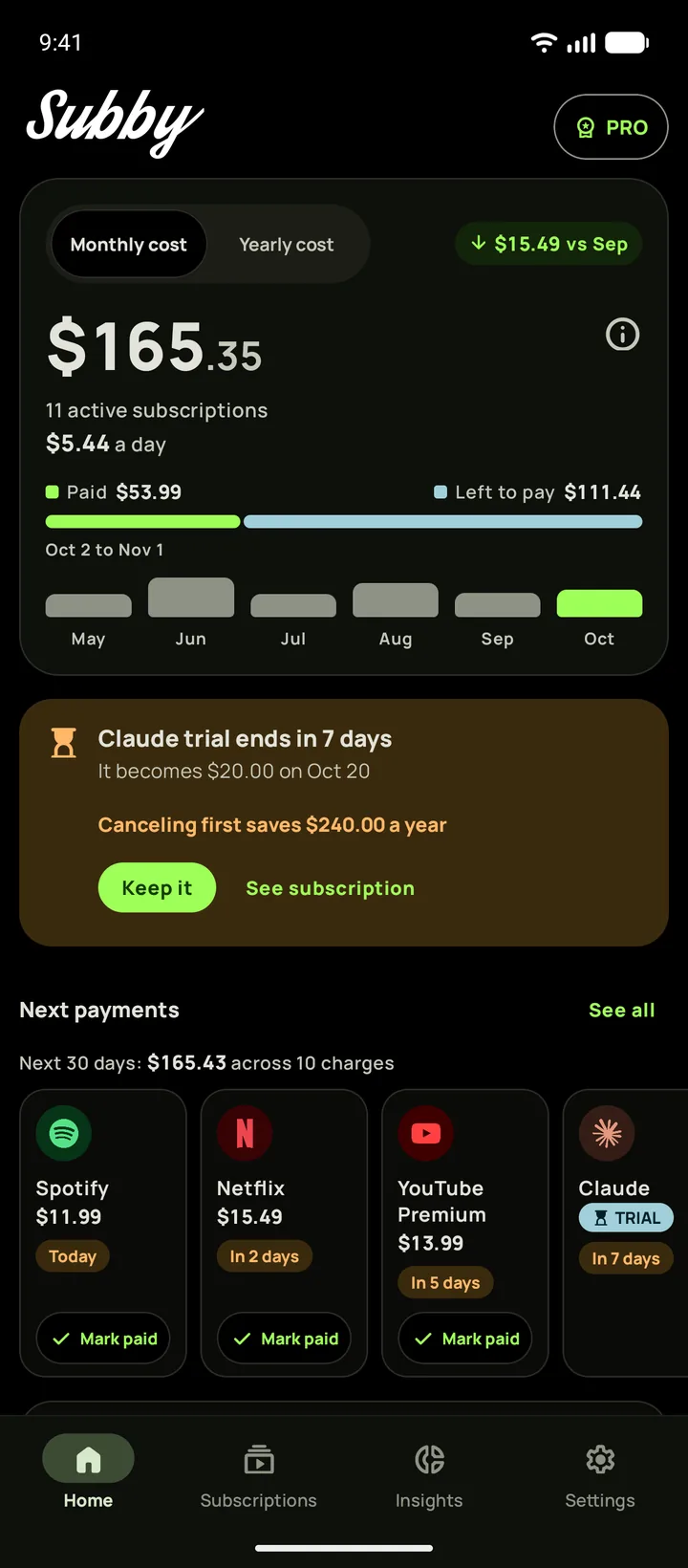
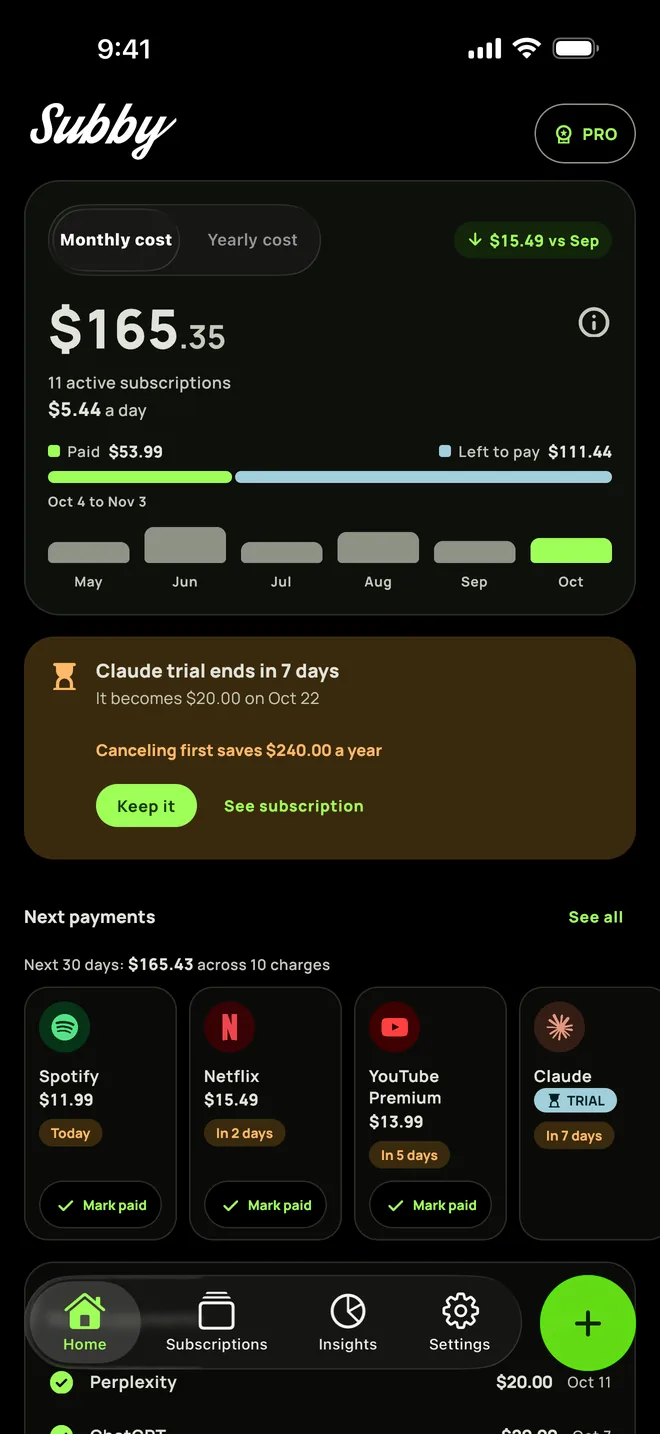
Put Roblox Premium or Plus in Subby with its renewal date, and the reminder arrives before the charge. Free to use, with ads, and no account or bank login.
Free · No account · No bank login
Sources
- Roblox Help Center. Roblox Premium Membership
- Roblox Help Center. Roblox Plus
- Roblox Help Center. Roblox Subscription Terms
- Roblox Help Center. Subscriptions within Experiences
- Roblox Help Center. Where are my Robux?
- Roblox Help Center. Spending Notifications
- Apple Support. Cancel a subscription from Apple
- Google Play Help. Cancel, pause, or change a subscription on Google Play