How to cancel Xbox Game Pass
Cancel Xbox Game Pass at account.microsoft.com/services under Manage, or on the console under Settings, Account, Subscriptions. Sign in with the Microsoft account that pays, because a second account on the same console is the classic reason a cancelled plan keeps charging. If you are eligible, Xbox offers to cancel at once with a refund.


Cancel, or turn off recurring billing
Xbox gives you two ways out, and the difference is money. Turning off recurring billing "will stop future charges for a subscription and grant you its benefits until its expiration date." You play out the time you paid for and nothing renews. Cancelling outright can go further. If you are eligible, Xbox offers to end the subscription at once with a refund.
Either way, start by signing in with the right account. Xbox's help page underlines it: sign in "with the Microsoft account you used to purchase your subscription. It's important to use that account." Plenty of households have two Microsoft accounts on one console and one card.
How to cancel Xbox Game Pass on the web
- Go to account.microsoft.com/services and sign in with the Microsoft account that bought the subscription.
- Find your Game Pass subscription and select Manage.
- Select Cancel subscription and follow the instructions.
- If you are eligible for a refund, choose the option to cancel immediately with a refund. Otherwise the subscription runs to its expiration date and stops there.
If the subscription shows Turn on recurring billing where the Manage link would be, you are already done. Xbox's wording: "your subscription is already set to expire on the date shown and you won't be charged after this date."
How to cancel Xbox Game Pass on the console
- Press the Xbox button to open the guide.
- Go to Profile & system > Settings > Account > Subscriptions.
- Choose the subscription, select Cancel subscription, and follow the steps. If you are eligible, the console may offer a refund.
If someone else bills you
Game Pass bought on a prepaid code from a shop has no recurring billing to stop. The time simply runs out, and refunds follow that retailer's return policy. If Game Pass comes through another company's subscription, account.microsoft.com/services shows a support link for that partner. And if a third party bills you, Xbox says to contact them for cancellations and refunds.
Refunds: the 30-day rule
Xbox's refund policy has two cases. You can get a refund within 30 days of your first purchase or before your first recurring billing date, whichever comes sooner. You can also get back your most recent renewal charge if you cancel within 30 days of that payment, but only "one time per Microsoft account, per XBOX subscription product." Both run through the cancel flow above. Xbox says requests outside those cancellation processes aren't eligible. Some countries add a prorated refund, and the cancellation page lists them.
Why you were charged after cancelling
Xbox's own FAQ lists the usual causes:
- You cancelled close to the billing date, and the cancellation didn't process in time.
- You cancelled a future renewal, not the current term.
- Another Game Pass subscription is active under a different Microsoft account.
- An earlier payment failed, and the system retried it after you cancelled.
The first two come down to timing, and the third to the account question above. Cancel days before the renewal, not on the morning of it.
What happens to your games
When the subscription ends, the library games go with it, and you lose access to each one unless you buy it. Games and add-ons you bought with the member discount stay yours. Your saves survive too, because Xbox keeps game progress in the cloud. Buy the game later, or come back to Game Pass, and you pick up where you stopped. Online multiplayer on an Xbox console needs a Game Pass subscription, apart from free-to-play games.
The mistake that keeps you paying
Cancelling on the wrong account. If the subscription you see isn't the one being charged, sign out and look under the other Microsoft accounts on the console. Then note the expiration date, because that is the last day you can play. Game Pass is the kind of subscription people start for one game and forget for a year, so get a reminder before the next charge and decide then.
Started it for one game?
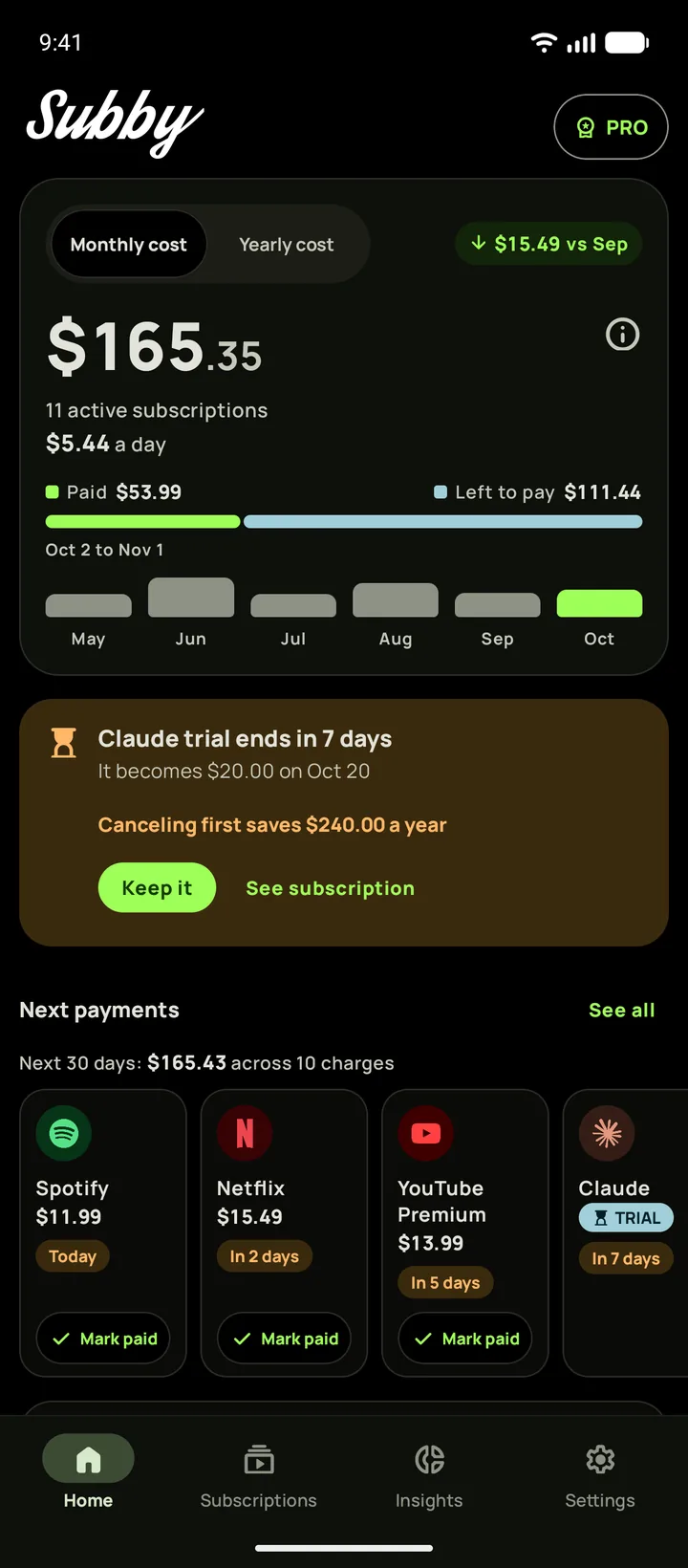
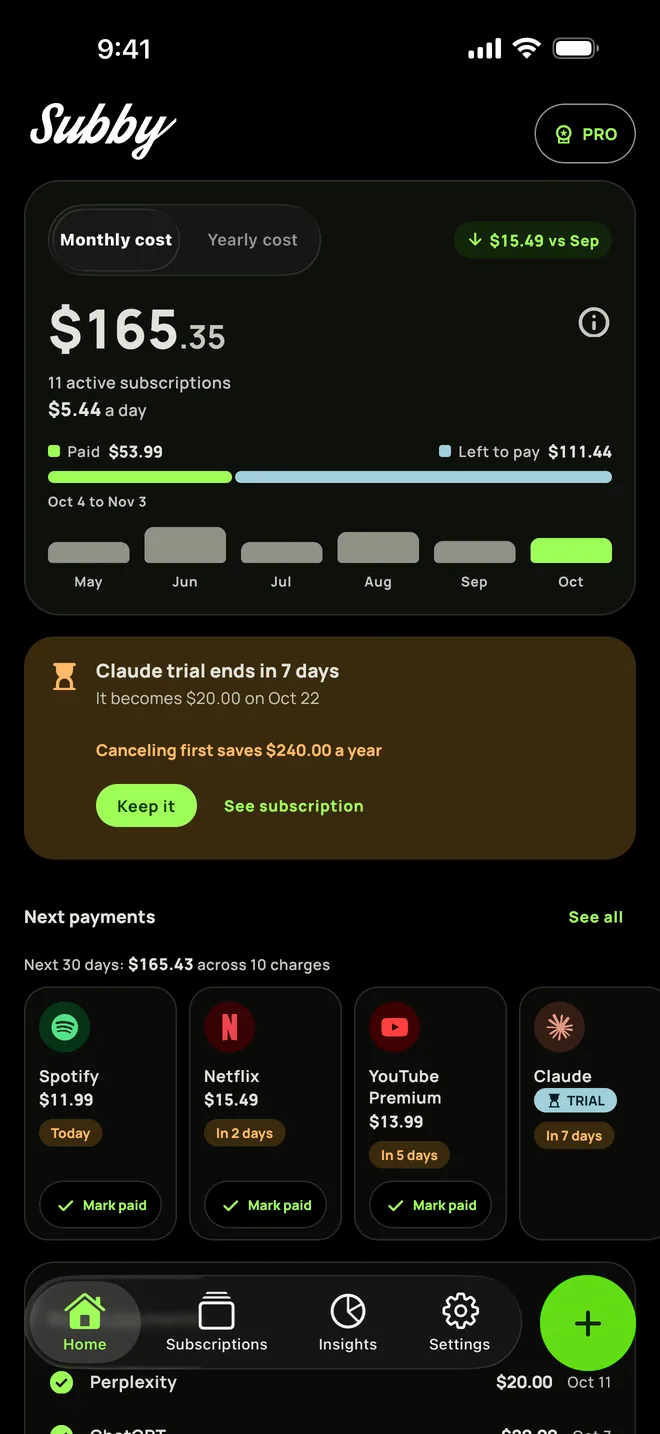
Put Game Pass in Subby with its renewal date, and the reminder arrives before the charge with the amount and the card on it. As the date gets close, Home lists it among the next payments. Free to use, with ads, and no account or bank login.

Free · No account · No bank login