How to cancel Google AI Pro (Gemini)
A paid Gemini plan is a Google AI plan, and you manage it in Google One. On gemini.google.com, click Settings, then Manage subscription, and select Cancel membership. If Apple or a partner bills you, cancel with them instead. When Google bills you, the plan and its storage last to the end of the billing cycle.



A Gemini plan is a Google AI plan
Gemini's paid tiers are Google AI plans: Google AI Plus, Google AI Pro and Google AI Ultra. Gemini's help says where they live: "You can subscribe to a Google AI plan through Google One." And where they end: "You can cancel your plan in Google One settings." Gemini's Settings only lead you there, so who bills you decides where you cancel.
| Who bills you | Where the cancel button lives |
|---|---|
| Google (you subscribed on the web or on Android) | On the web: Gemini → Settings → Manage subscription → Cancel membership. In the Android Google One app: Menu → Settings → Cancel membership |
| Apple (your Google One plan was bought through the App Store) | iPhone or iPad Settings → your name → Subscriptions → Google One |
| A partner, such as a mobile carrier | The partner's website or customer service |
How to cancel on the web
- Go to gemini.google.com.
- At the bottom, click Settings.
- Click Manage subscription. This opens Google One settings, where you can cancel your plan.
- Click Cancel membership, then click Cancel.
How to cancel on Android
- Open the Google One app.
- At the top, tap Menu, then Settings, then Cancel membership.
- To confirm, tap Cancel membership.
Other Android subscriptions are managed in Google Play: see how to cancel any subscription on Google Play.
How to cancel on iPhone or iPad
If you subscribed through the App Store, Apple holds the cancel button:
- Open Settings and tap your name.
- Tap Subscriptions, then Google One.
- Tap Cancel Subscription. You might need to scroll down to find it.
The same list covers any subscription on iPhone.
If a partner bills you
A carrier or other partner keeps the cancel button: "To cancel Google One plans from other providers, use their website or contact their customer service." The provider's policy decides when the plan ends. Google's help names one exception: Metro by T-Mobile plans cancel in the Google One app.
What you keep, and the storage
Cancelling stops the next payment, not the time you paid for. "When you cancel your membership, your Google One storage and benefits won't go away immediately. You have until the end of the billing cycle to use them." Then Pro in Gemini ends, along with the expanded storage, Google expert support, member benefits, Gemini in Gmail and Docs, and the YouTube Premium Lite plan. On a family plan, everyone loses the extra storage. "Each person will keep their default storage of up to 15 GB at no charge."
Google AI Pro bundles storage: "Choose from 5 TB or 10 TB of storage based on your specific Google AI Pro plan needs." If you hold more than the free allowance when the plan ends, Gmail can't send or receive, Drive can't sync or upload new files, and Photos can't back up. Your files stay accessible, but you can't add anything new over the limit. Google adds: "If you're over your storage quota for 2 years or longer, all of your content may be deleted from your Google account." Check your storage in Google One and clear space before the billing cycle ends. A smaller plan is the middle road. On a computer, go to Google One, click Manage membership, then Change membership plan, and pick a plan under Downgrade options. The current plan stays active until the billing cycle ends.
Refunds and trials
Cancelling is not a refund. "In most countries or regions, Google storage plan purchases are non-refundable." For Google Play purchases, Google points to Play's refund policies, and for App Store purchases you ask Apple.
On a Google One trial, cancel before its last day if you don't want to be charged. Pixel offers renew into a paid subscription unless you cancel before the offer period ends, and Apple wants a trial cancelled at least 24 hours ahead. See the free trial guide.
The mistake that keeps you paying
Paying twice. Google AI Pro includes a YouTube Premium Lite plan, but it doesn't activate if you already have your own YouTube Premium or Premium Lite, and "Standalone YouTube Premium Lite or YouTube Premium subscriptions aren't automatically canceled." Check your YouTube billing and cancel the duplicate. The other slip is deleting an app and calling it done. For a subscription billed through Google Play, Google's help says: "When you uninstall the app, your subscription won't cancel." If you keep the plan, set a reminder before the next charge. Storage-only plans: cancel Google One.
Keeping Gemini? Keep the renewal date
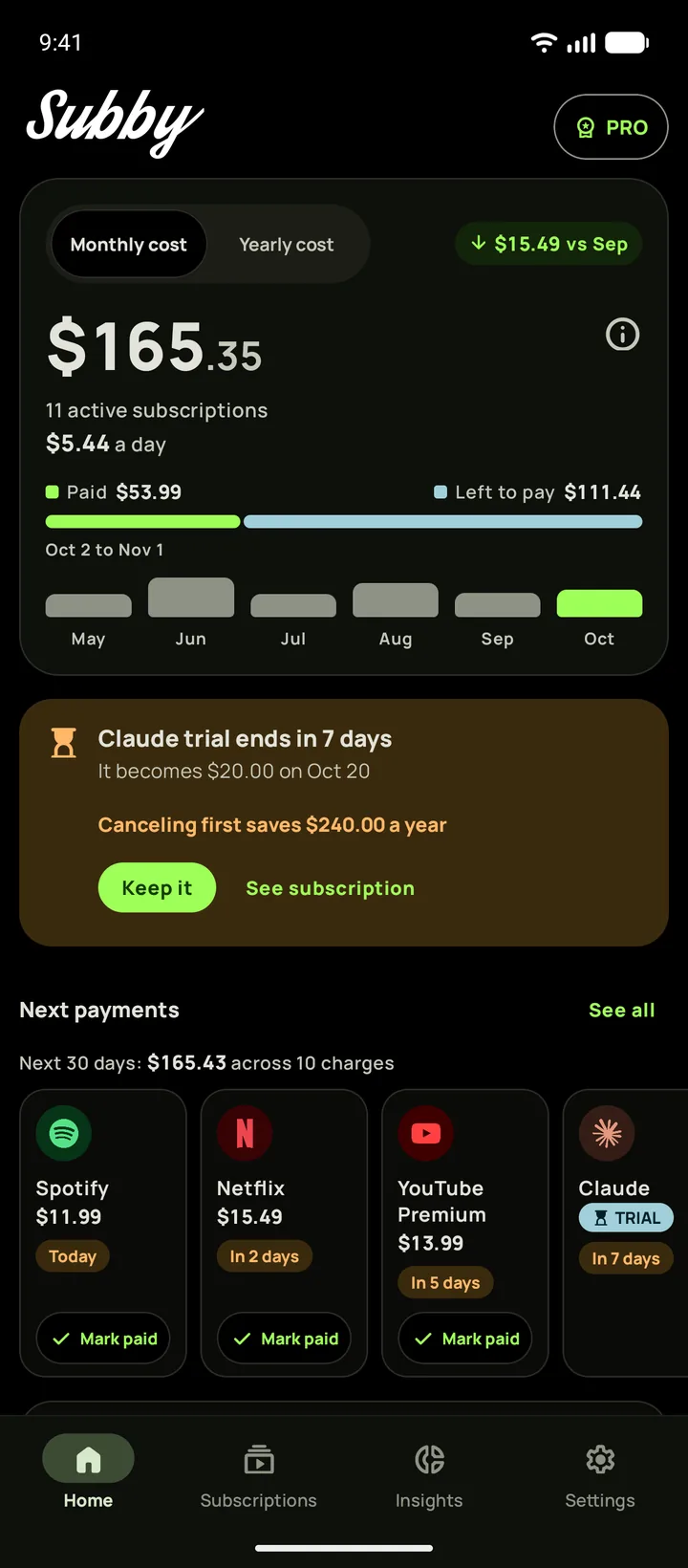
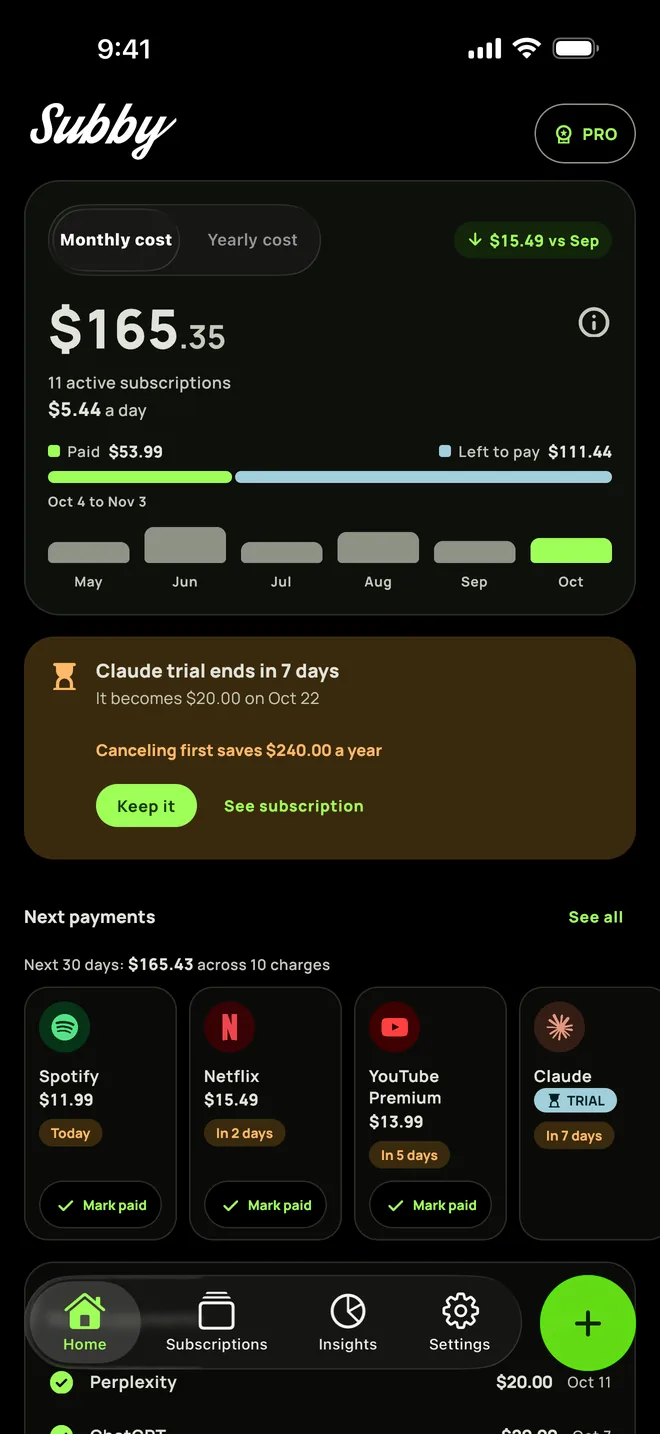
Put your Google AI plan in Subby with its renewal date, or the day its trial ends, and the reminder arrives before the charge with the amount and the card on it. Free to use, with ads, and no account or bank login.
Free · No account · No bank login
Sources
- Gemini Apps Help. Manage your Google AI plan from Gemini Apps
- Google One Help. Cancel your Google One membership
- Google One Help. Get a Google AI Pro membership
- Google One Help. Purchase, cancellation and refund policies
- Google One Help. Update your Google One plan and fix upgrade issues
- Google One Help. Learn about Google One trials
- Google One Help. Learn about third-party Google One subscriptions
- Gemini Apps Help. Google One offers for Pixel devices
- Apple Support. Cancel a subscription from Apple
- Google Play Help. Cancel, pause, or change a subscription on Google Play