How to cancel your Claude subscription
Cancel where you subscribed. On claude.ai or in Claude Desktop, open your initials or name, then Settings, Billing and Cancel. In the iPhone or Android app, tap your initials, Billing, then Manage subscription. Do it at least 24 hours before the next billing date, and the paid plan lasts to the end of the period.


Find out who bills you
Anthropic's help center puts the rule at the top of its cancel article: follow the "cancellation instructions for the platform you signed up on". A personal Claude plan (Pro, Max or Ultra) is billed by one of three parties, each with its own cancel button.
| Who bills you | Where the cancel button lives |
|---|---|
| Anthropic (claude.ai or Claude Desktop) | Your initials or name → Settings → Billing |
| Apple (Claude for iOS) | The app → your initials → Billing, or iPhone Settings → your name → Subscriptions |
| Google Play (Claude for Android) | The app → your initials → Billing, or Subscriptions in Google Play |
Not sure which? Web invoices are emailed under the subject "Your receipt from Anthropic". A plan bought in an app is different: "your payment is handled by the Apple App Store or Google Play".
How to cancel Claude on the web or in Claude Desktop
- Sign in at claude.ai in a browser, or open Claude Desktop on Mac, Windows or Linux.
- Click your initials or name in the lower left corner.
- Select Settings, then Billing.
- Click the Cancel button.
How to cancel Claude on iPhone
- Open Claude for iOS.
- Tap your initials in the top right corner.
- Tap Billing.
- Select Manage subscription and follow the prompts for cancellation.
Already removed the app? Anthropic points to Apple's steps, the ones for cancelling any subscription on iPhone: Settings, your name, Subscriptions, the Claude subscription, then Cancel Subscription. No Cancel button, or an expiration message in red text? Apple says the subscription is already cancelled.
How to cancel Claude on Android
- Open Claude for Android.
- Tap your initials in the top right corner.
- Tap Billing.
- Select Manage subscription and follow the prompts for cancellation.
Already removed the app? Go to subscriptions in Google Play, select the Claude subscription, tap Cancel subscription and follow the instructions. That list covers every app you pay for through Google Play. If Claude isn't there, try another Google account.
What happens after you cancel
Anthropic says "Your cancellation will take effect at the end of your current billing period and you can continue using your paid plan until then." To avoid the next charge, "cancel your subscription at least 24 hours before your next billing date." Apple's rule for a trial subscription is the same: cancel at least 24 hours before it ends.
- Credits. Usage credits you bought stay on your account but work only with an active paid plan. Monthly API credits on Max, Ultra and Team plans stop coming after you cancel.
- Personal Finance. You can't open it after your paid plan ends, and "your banks stay linked until you unlink them". Unlink them before then if you won't return.
Refunds
Cancelling is not a refund. Anthropic's refund article says "all payments are non-refundable" except as the Consumer Terms of Service provide, where the law requires it, or in cases of fraud. For a web plan, open your initials or name, select Get help, then Send us a message, Accept and Claude Refund Request. In the European Economic Area and the United Kingdom, "you may receive a refund within 14 days of purchase".
An App Store plan is different: "only Apple can review and issue a refund". Sign in at reportaproblem.apple.com with the Apple Account that paid, choose I'd like to, then Request a refund. For an active Google Play plan, Anthropic's support team checks your eligibility before it helps.
Deleting the app or the account
Google says "When you uninstall the app, your subscription won't cancel." For the account, Anthropic's delete-account article says to cancel from Billing settings and "Wait until the end of your current subscription period." Deleting is permanent: you lose your conversations, projects and any remaining usage credits, so export what you want to keep beforehand.
The mistake that keeps you paying
Asking for a refund and stopping there. For an App Store plan, Anthropic says "Requesting a refund doesn't cancel your subscription." You also have to cancel, and Apple grants the refund at its discretion. Two other slips: cancelling where the plan doesn't live, and waiting for renewal day, past the 24 hour margin.
Keeping Claude? Keep the renewal date
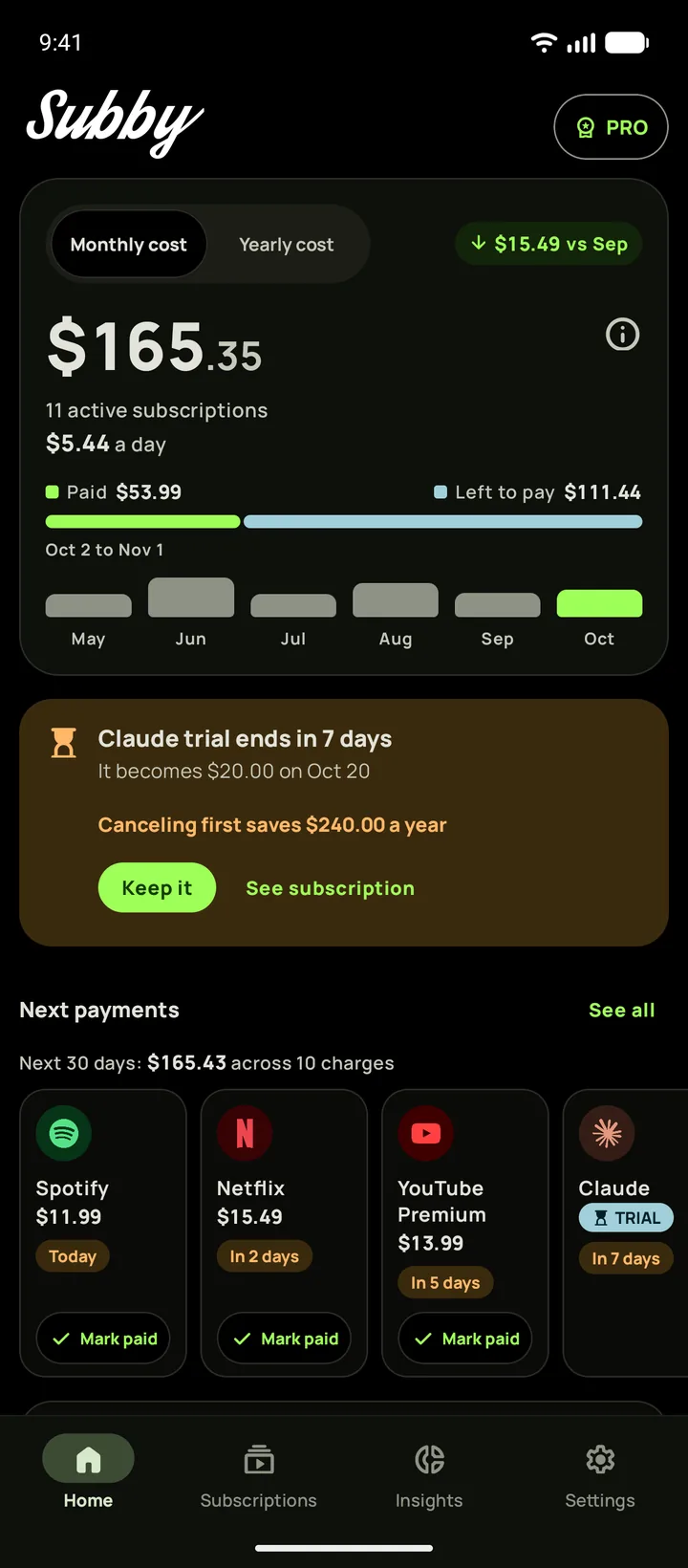
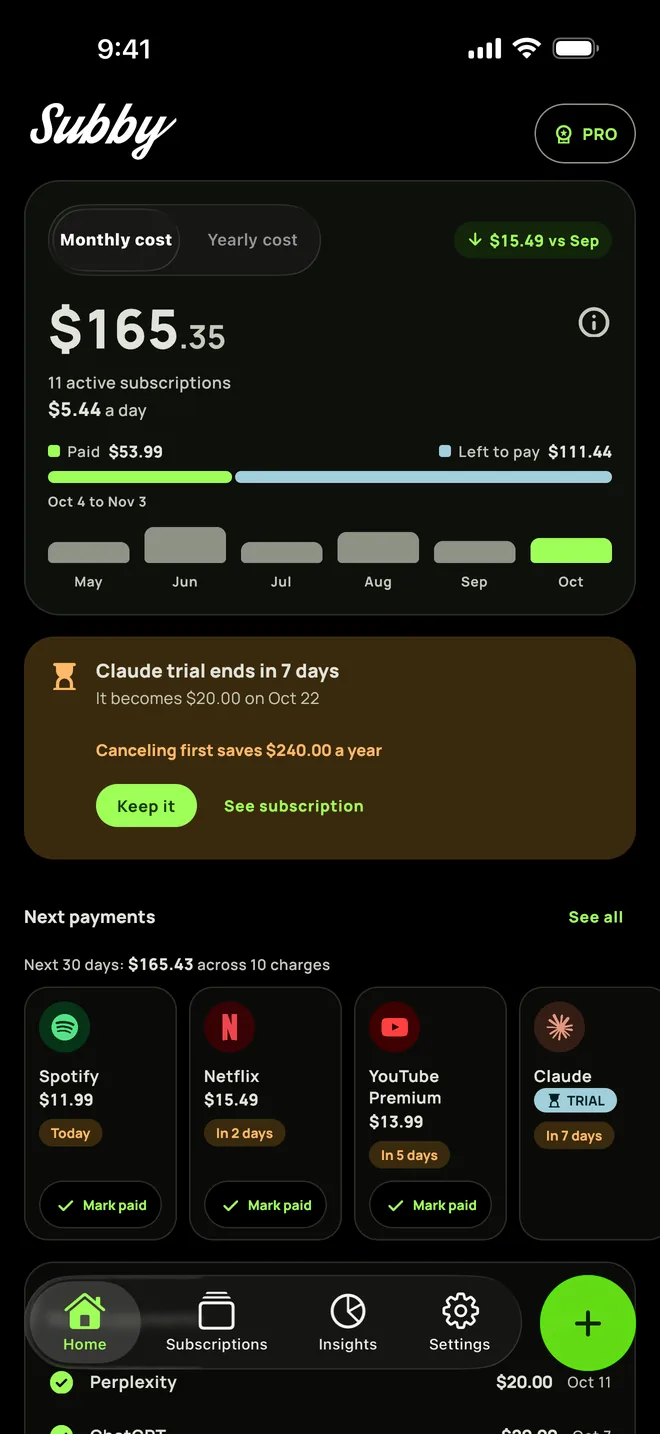
A Pro plan renews automatically, monthly or annual by default. If you are keeping Claude, put its renewal date in Subby and set a reminder before the next charge, early enough to cancel inside the 24 hour margin.
Keeping Claude? Keep the date
Put Claude in Subby with its next billing date, and the reminder arrives before the charge, well ahead of Anthropic's 24 hour margin. Free to use, with ads, and no account or bank login.
Free · No account · No bank login
Sources
- Claude Help Center. Cancel your Pro, Max, or Ultra subscription
- Claude Help Center. Request a refund for a paid Claude plan
- Claude Help Center. Paid plan billing FAQs
- Claude Help Center. How do I sign up for the Pro plan?
- Claude Help Center. Delete your Claude account
- Apple Support. Cancel a subscription from Apple
- Google Play Help. Cancel, pause, or change a subscription on Google Play