How to cancel your Perplexity Pro subscription
Cancel where you subscribed. On the web, open Settings, find Subscription under Perplexity Pro, click Manage Subscription and choose Cancel subscription. If Apple or Google Play bills you, cancel in their subscription list instead, and the account returns to the free version when the paid period ends.




Find out who bills you
Perplexity's cancel article opens with one rule: "Cancel your subscription on the platform where you bought it." If you subscribed through the Apple App Store or Google Play, the store controls your billing, and the cancel option does not appear in Perplexity Settings.
| Who bills you | Where the cancel button lives |
|---|---|
| Perplexity (you subscribed on perplexity.ai) | perplexity.ai → Settings → Subscription → Manage Subscription |
| Apple (you subscribed in the iPhone or iPad app) | iPhone or iPad Settings → your name → Subscriptions |
| Google Play (you subscribed in the Android app) | The Google Play app → Payments & subscriptions |
Not sure which? Apple says to search your email for "receipt from Apple" or "invoice from Apple". Google says "Make sure to sign in to the Google Account that has your subscriptions."
How to cancel Perplexity on the web
- Sign in at perplexity.ai and open Settings.
- Scroll down to Subscription, under Perplexity Pro.
- Click Manage Subscription. Perplexity opens the current plan page.
- Choose Cancel subscription.
How to cancel Perplexity on iPhone or iPad
Apple manages a plan bought in the app, so the steps are the ones you use to cancel any subscription on iPhone:
- Open Settings and tap your name.
- Tap Subscriptions.
- Tap the Perplexity subscription. Perplexity's help center says its listing name ends in Ask Anything.
- Tap Cancel Subscription, scrolling down if you need to.
No Cancel button, or an expiration message in red text? Apple says "the subscription is already canceled."
How to cancel Perplexity on Android
Sign in to Google Play with the Google Account that pays through Google Play, then:
- Open the Google Play app and tap the profile icon at the top right.
- Tap Payments & subscriptions, then the Perplexity subscription.
- Choose Cancel subscription, at the bottom of the screen, and follow the instructions.
What happens after you cancel
You can cancel at any time, and "Your account will be reverted back to the free version after the end of the current billing cycle." The paid plan runs until then, and after it you no longer have access to Pro features. Skip the cancel, and "it will continue to renew."
There is no pause: "You cannot pause your subscription." If you cannot pay, cancel and restart when it suits you: on the web with Renew plan or Update plan under Manage Subscription, on Google Play from your purchase history. Still charged after canceling? Check Manage subscription in Perplexity settings or your store's list, then contact Perplexity through Help, then Contact Support.
Refunds, as Perplexity states them
- EU, UK or Turkey: "You are eligible for a refund if you cancel your subscription within 14 days of purchase."
- South Korea or Brazil: 7 days from purchase, for monthly and annual plans.
- Everywhere else: ask within 24 hours of a monthly purchase, with a reason. For an annual plan, "You are eligible for a full refund within 72 hours of the original purchase date and time."
On the web, the refund option appears when you choose Cancel Plan under Manage Subscription at perplexity.ai/pro. For an App Store plan, use reportaproblem.apple.com and tap Request a refund. For Google Play, contact Perplexity through Help, then Contact Support.
Trials and promotions
A trial or partner promotion needs a valid card, and "Unless you cancel before the trial ends, your subscription will auto-renew at the standard rate for the plan you selected during redemption (monthly or annual)." On an App Store trial, Apple says to cancel at least 24 hours before it ends. More on canceling a free trial early.
Deleting the app or the account
Neither cancels anything. Google says "When you uninstall the app, your subscription won't cancel." Perplexity says the same of the account: "No, deleting your account will not terminate your subscription." Cancel with the biller, then delete what you like.
The mistake that keeps you paying
Ending up with two plans and canceling one. Perplexity describes two ways it happens. Upgrade from Pro to Max in a mobile app when you subscribed on the web, and "this will create a new separate Max subscription in addition to your ongoing Pro subscription." Or update the card for a plan you pay for on the Perplexity site through the Play Store or App Store instead, and doing so "will create a new, separate subscription and you will be charged." After any upgrade or card change, check the web settings, Apple's list and Google Play.
If you keep Perplexity, keep the date
Perplexity bills on the original billing date, monthly or annually, until you cancel. Put that date where you will see it, with a reminder before the next charge.
Keeping Perplexity? Keep the renewal date
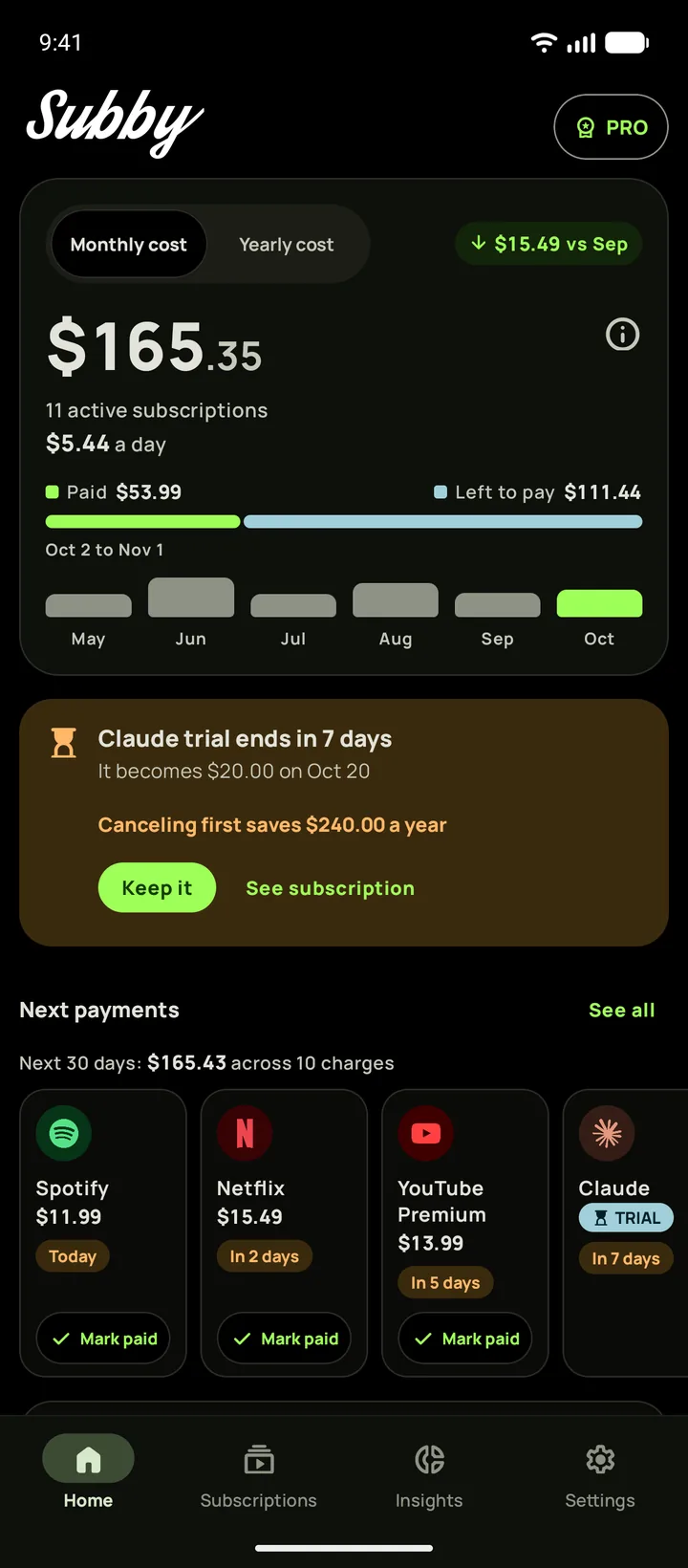
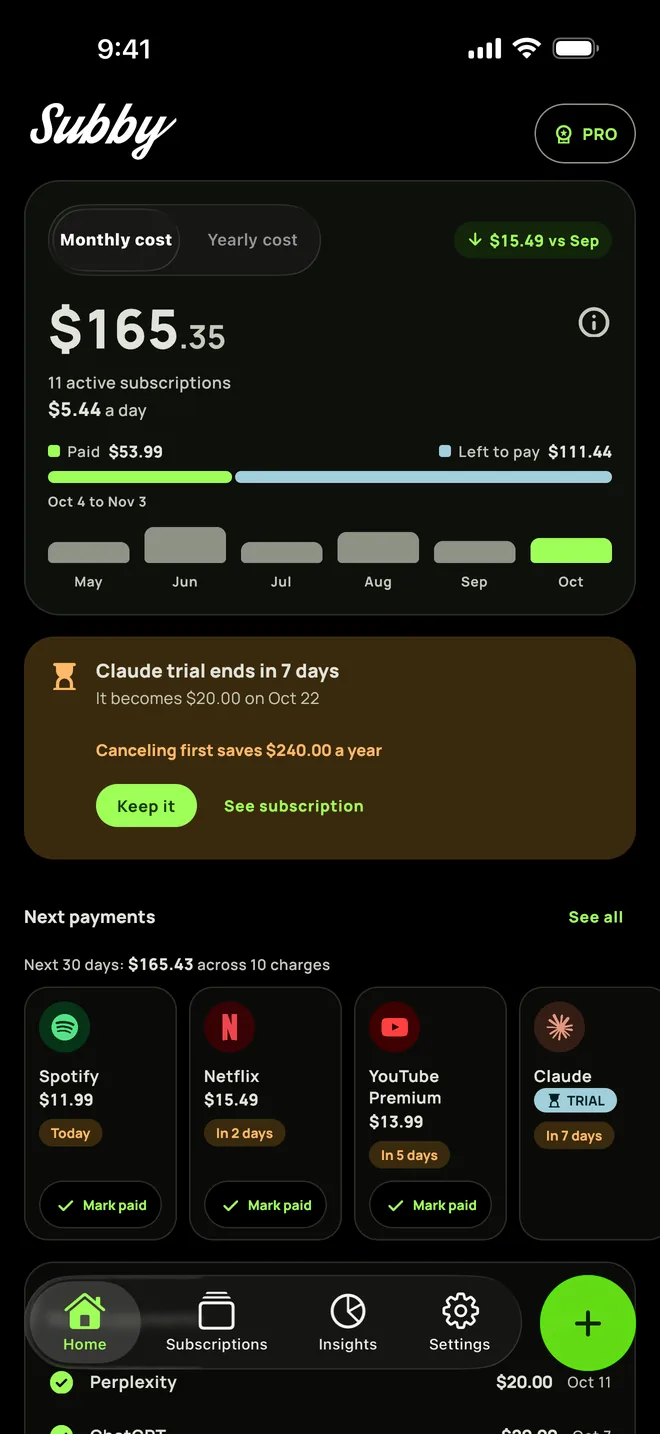
Put Perplexity Pro in Subby with its renewal date, or the day its trial ends, and the reminder arrives before the charge. Free to use, with ads, and no account or bank login.
Free · No account · No bank login
Sources
- Perplexity Help Center. Canceling a Subscription
- Perplexity Help Center. Refunds
- Perplexity Help Center. Billing FAQ for Pro Plan Subscribers
- Perplexity Help Center. Billing for iOS Subscriptions
- Perplexity Help Center. Billing for Android Subscriptions
- Perplexity Help Center. Perplexity Max
- Apple Support. Cancel a subscription from Apple
- Google Play Help. Cancel, pause, or change a subscription on Google Play