How to cancel your Audible membership
On the Audible site, select your name, then Membership details, Cancel membership and Confirm cancellation. If Apple or Google bills you, cancel there, because Audible's site can't. Titles you bought stay yours, unused credits are lost, and a pause can keep them.


Find out who bills you
Audible's Help Center splits canceling by billing: "Audible memberships billed through Apple or Google cannot be canceled through the Audible site and must be canceled through the App Store or Google Play Store."
| Who bills you | Where to cancel |
|---|---|
| Audible | The Audible site: your name → Membership details → Cancel membership |
| Apple | App Store or iOS Settings → your name → Subscriptions → Audible |
| Google Play | Google Play → Subscriptions → Audible |
How to cancel Audible on the website
"You can cancel your membership on the Audible website anytime." On a computer:
- Go to the Audible site and sign in to the account with the membership.
- Select your name in the top navigation, then Membership details.
- Select the Cancel membership link.
- Select Confirm cancellation.
On mobile web, select the main menu, then your name, Membership details, Cancel membership and Confirm cancellation. "After you cancel, you'll get an email confirmation."
No cancel option? Check that you are signed in to the account with the active membership. You might have multiple accounts, so try a different email address.
How to cancel Audible on iPhone or iPad
Audible says App Store subscriptions are managed only in the App Store or iOS device settings, as when you cancel any subscription on iPhone:
- Open the App Store or your iOS device Settings.
- Select your name.
- Select Subscriptions.
- Select Audible.
- Select Cancel Subscription.
- Select Confirm.
No Cancel Subscription option? "your membership is already canceled and won't be renewed". After canceling, wait until it is complete before you sign up again through Audible.
How to cancel Audible on Android
A membership billed through Google Play is canceled there. Use the Google Account that has your subscriptions.
- On your Android device, open Subscriptions in Google Play.
- Select Audible.
- Tap Cancel subscription.
- Follow the instructions.
"Deleting the Audible app will not cancel a membership." More on canceling through Google Play.
What happens to your titles and credits
Titles you bought with a credit or a credit/debit card are "yours to keep and will always be available in your Library", member or not. You can download them as many times as you want.
Credits are different. "At the end of your final billing cycle, Audible Premium members will lose access to all unused credits and member benefits, including exclusive discounts and included titles." The Help Center adds "Credits expire 12 months after their issue date, or upon cancellation." Spend unused credits before your final billing period ends.
One exception: "Credits received through an App Store membership or a Google Play Store membership do not expire and will remain in your account after cancellation."
Included titles you downloaded from the included catalog get locked. Buy a locked title to own it, or become a member again to regain access. On an App Store membership you keep your benefits to the end of the paid period: an annual plan bought January 1 and canceled June 1 lasts to December 31.
Pause instead of canceling
Audible says "You can pause your membership for a total of up to 90 days every 12 months." Payments pause too, and you keep any outstanding credits. On the website:
- Select your name in the top navigation, then Membership details.
- Select the Pause membership link.
- Choose 30, 60 or 90 days.
- Select Pause membership to confirm.
In the Audible app, open Profile, the Membership tab, Manage, then Pause membership. To resume, select Resume membership on the Membership details page, and payments restart at your next billing period. Cancel during a pause and you won't be billed, with your benefits lasting to the end of the current billing period.
Annual memberships can't be paused. Monthly ones can pause up to 3 times in 12 months, within 90 days in total, and only after 30 days of paid membership. You get no new credits while paused.
A Premium trial can be paused for 30 days, which extends the trial by 30 days, unless the App Store or Google Play bills you. App Store pauses "always last exactly 30 days" and are set in the Audible app for iOS: Profile tab, Membership tab, Manage, Pause Membership. Google Play memberships can be paused similarly to those billed by Audible.
Refunds and trials
Canceling is not a refund: "If you cancel your membership or subscription, you will not receive a refund of any fees already paid."
On a trial, the membership page says "You can cancel anytime before your trial ends" and you will not be charged. Do nothing and "your membership will automatically continue". On an App Store trial, Apple's rule is to cancel at least 24 hours before the trial ends. More on canceling before a free trial ends.
The mistake that keeps you paying
Deleting the app and calling it done, or canceling in the wrong place. Audible's site can't cancel a membership that Apple or Google bills.
Keeping Audible? Keep the renewal date
After a pause, Audible says your plan "will auto-renew until canceled". Keep the renewal date, or the day a trial or pause ends, where you will see it, with a reminder before the next charge.
Keeping Audible? Keep the date
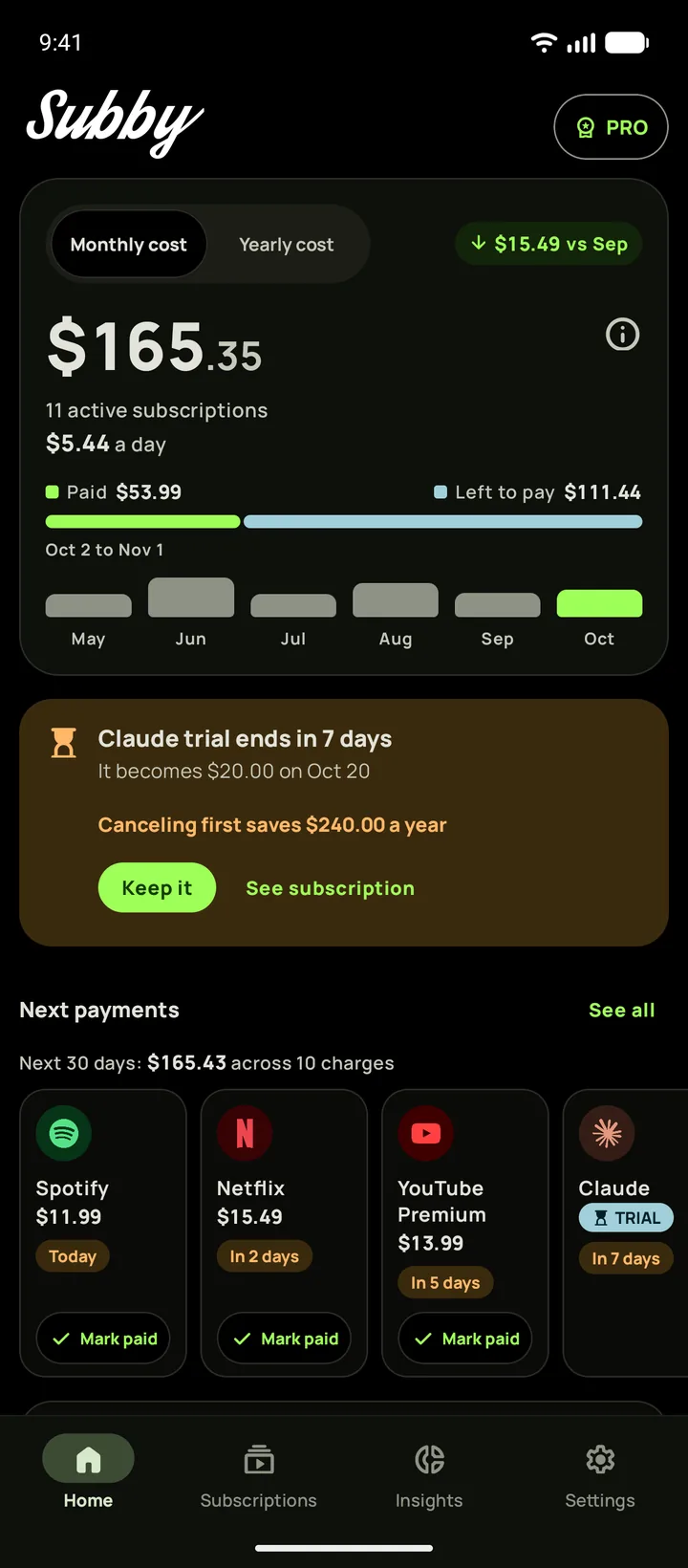
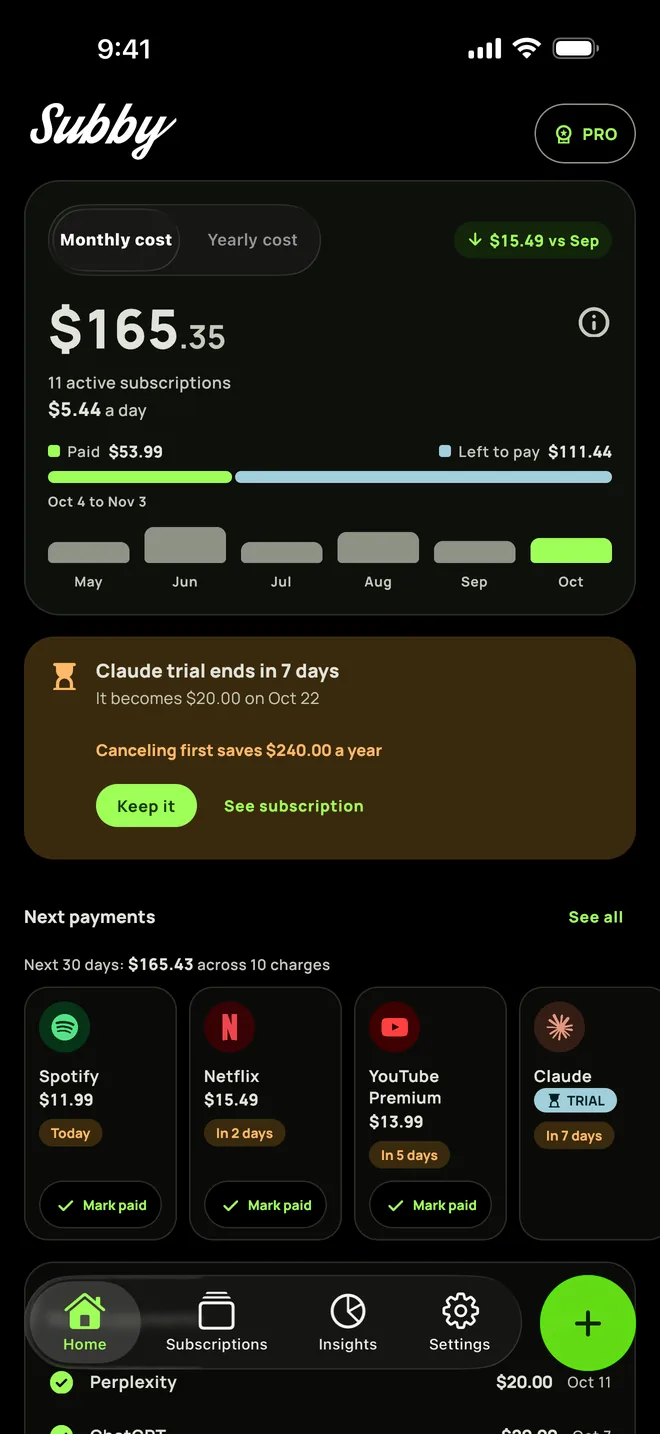
Put Audible in Subby with its renewal date, or the day its trial ends, and the reminder arrives before the charge. Free to use, with ads, and no account or bank login.
Free · No account · No bank login
Sources
- Audible Help Center. Cancel membership
- Audible Help Center. Pause your membership
- Audible Help Center. Manage App Store subscription
- Audible. Service Conditions of Use
- Audible. Membership Plans & Pricing
- Apple Support. Cancel a subscription from Apple
- Google Play Help. Cancel, pause, or change a subscription on Google Play