How to cancel NordVPN
Log in to your Nord Account, open the Billing tab, click Cancel next to auto-renewal and confirm. If you subscribed through the App Store or Google Play, cancel in that store instead. NordVPN's 30-day money-back guarantee covers only your initial purchase, so a renewal is not covered by it.


Find out who bills you
NordVPN's cancel article splits in two. Bought directly from NordVPN, you cancel in your Nord Account. Bought through the Google Play Store, the Apple App Store or the Amazon App Store, you cancel in that store. Refunds depend on where you bought, too.
| Who bills you | Where to cancel | Who handles a refund |
|---|---|---|
| NordVPN (you subscribed directly) | Nord Account → Billing | NordVPN Support, within 30 days of your initial purchase |
| Apple (you subscribed through the App Store) | iPhone Settings → your name → Subscriptions | Apple |
| Google Play | Google Play → Subscriptions | NordVPN Support, or Google Play if you paid within the last 48 hours |
| Amazon Appstore | Amazon's own steps, linked from NordVPN's article | Amazon |
How to cancel NordVPN in your Nord Account
If you bought directly, this is where the renewal stops. NordVPN's wording for the result is a subscription that will "no longer renew at the subsequent billing date".
- Log in to your Nord Account.
- Open the Billing tab.
- Click Cancel next to auto-renewal.
- Select Cancel auto-renewal.
- Check that your auto-renewal status now shows as off.
NordVPN sends a confirmation email to your registered address when the cancellation succeeds. The same steps cancel NordPass, NordLocker, Dedicated IP and bundle plans.
How to cancel NordVPN on iPhone or iPad
If the App Store bills you, Apple manages the plan, so the steps are the ones you use to cancel any subscription on iPhone:
- Open Settings and tap your name.
- Tap Subscriptions.
- Tap NordVPN.
- Tap Cancel Subscription. Scroll down if you don't see it.
Apple adds: "If there is no Cancel button or you see an expiration message in red text, the subscription is already canceled."
How to cancel NordVPN on Android
Sign in to Google Play with the Google Account that has the subscription.
- On your Android device, go to Subscriptions in Google Play.
- Select NordVPN.
- Tap Cancel subscription.
- Follow the instructions.
Google says you keep the subscription for the time you've already paid. More in cancel a subscription on Google Play.
The 7-day free trial
New users in selected countries can start a 7-day trial on a 1-year or 2-year plan. NordVPN's note: "Unless you cancel before the 7-day trial ends, your chosen plan will begin automatically". To cancel it:
- Log in to your Nord Account.
- Click Billing in the left-hand menu.
- Under Subscriptions, click Cancel next to Free trial.
New Android users who download the app from Google Play can get a separate 3-day trial. Google Play manages it, so cancel that one there. The general rule is in how to cancel before a free trial ends.
Refunds, as NordVPN states them
Cancelling stops the next renewal. A refund is a separate request. "We offer a 30-day money-back guarantee for new subscriptions." The limit is firm: "The guarantee applies only to your initial subscription purchase." A renewed period is not eligible, unless local law requires otherwise.
To ask, use the live chat on NordVPN's refund page. Support sends a link, and the next window lists the payments that qualify, each with a Refund button. The money can take up to 10 business days to arrive. Apple and Amazon refunds go through Apple and Amazon. More in how to get a subscription refund.
What happens after you cancel
No further renewals follow. NordVPN's refund page calls cancelling auto-renewal the way to "stop the NordVPN services after your subscription ends".
Deleting the app or the account
Google marks it as important that uninstalling the app does not cancel a Google Play subscription. NordVPN says of account deletion: "This action is permanent, and you will lose access to all of your purchased services." Cancel, confirm it shows off, then delete if you want the account gone.
The mistake that keeps you paying
Cancelling in the wrong place, or too late. NordVPN sends store purchases to the store, so the Nord Account is not where an App Store or Google Play plan stops. Check the receipt for who billed you, then look for the sign it worked: auto-renewal off in the Nord Account, or red expiration text on iPhone. The guarantee also skips renewals, so the day to decide is before the renewal date. Keeping NordVPN? Keep the renewal date where you will see it, with a reminder before the next charge.
Keeping NordVPN? Keep the renewal date
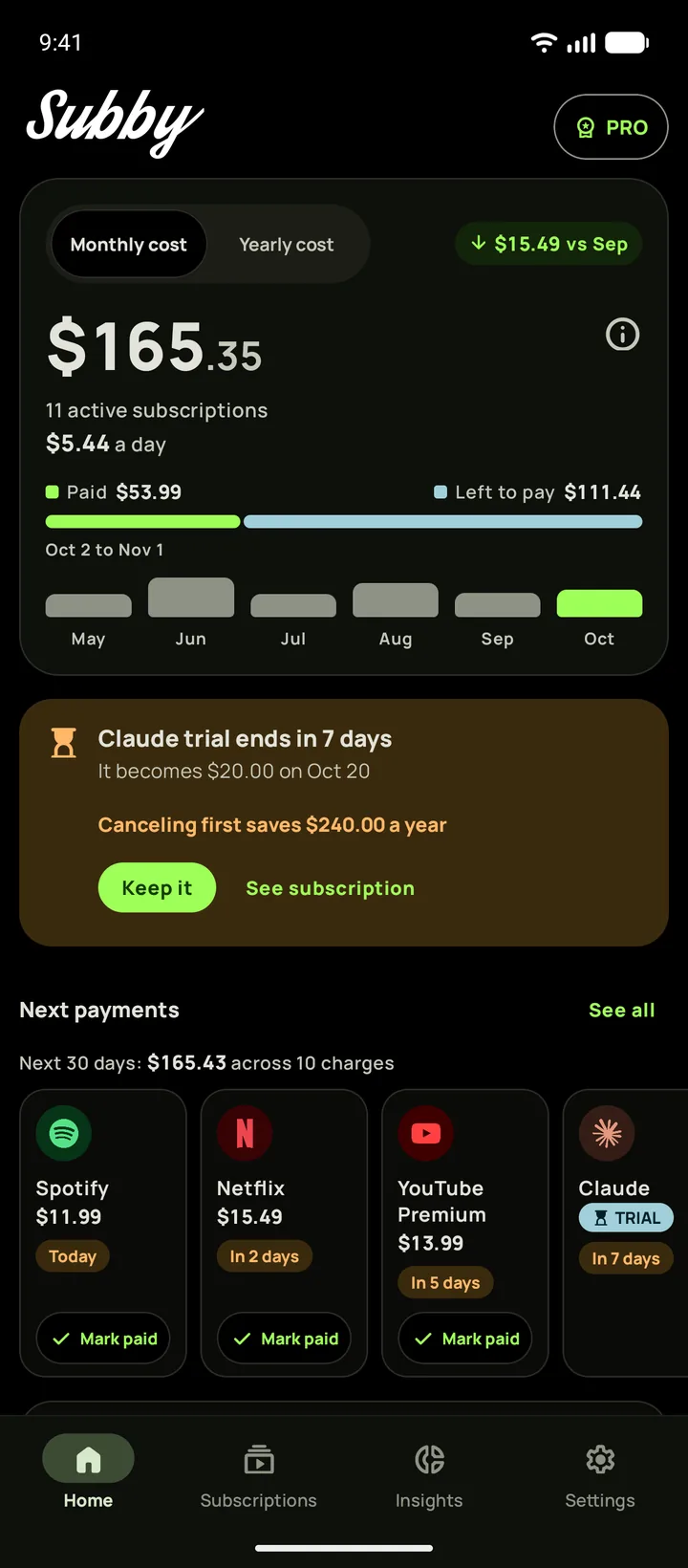
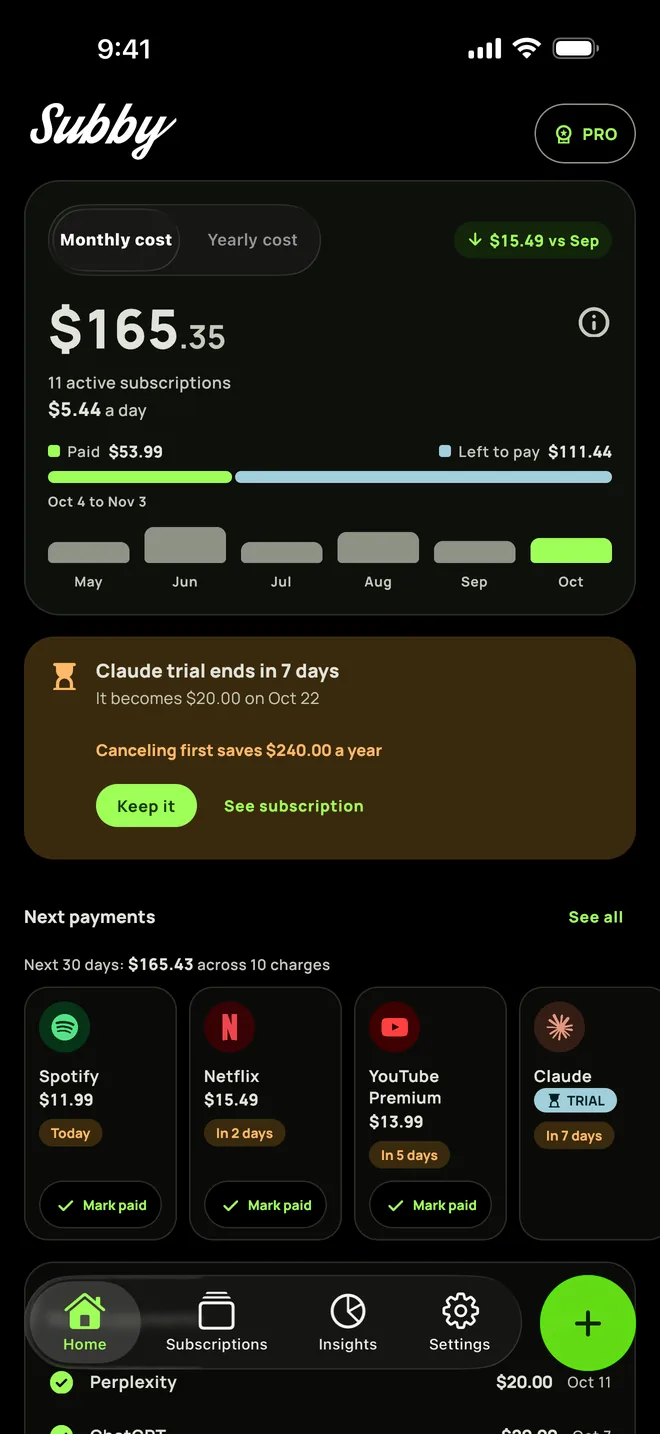
Put NordVPN in Subby with its renewal date, or the day its free trial ends, and the reminder arrives before the charge. Free to use, with ads, and no account or bank login.
Free · No account · No bank login
Sources
- NordVPN Support Center. How to cancel auto-renewal for your NordVPN subscription
- NordVPN Support Center. What is your refund policy?
- NordVPN Support Center. Does NordVPN have a free trial?
- NordVPN Support Center. How to delete my NordVPN account?
- Apple Support. Cancel a subscription from Apple
- Google Play Help. Cancel, pause, or change a subscription on Google Play