How to stop a recurring payment
Cancel with the company that charges you, then close the route the money takes: your Apple or Google Play subscription list, PayPal's automatic payments, or your card or bank. Not sure who bills you? The receipt or the statement line names the biller. Stopping only the payment may not end what you owe.


Find out who bills you
Where you stop a recurring payment depends on who collects it. When no Apple receipt turns up, Apple's help says: "To find out which company bills you, check your bank or credit card statement."
| Who bills you | Where to stop it |
|---|---|
| The company itself, by card or bank | Its account settings, customer service or a visit |
| Apple (a receipt from Apple) | Settings → your name → Subscriptions |
| Google Play (GOOGLE* on the statement) | Subscriptions in Google Play |
| PayPal (the charge runs through PayPal) | Settings → Payments → Automatic payments |
Search your email for "receipt from Apple" or "invoice from Apple" and check which Apple Account is on it. A charge from apple.com/bill "could be for apps, subscriptions, music and movie purchases", so the line alone does not say what it was for. Finding subscriptions on your bank statement decodes the other lines.
Step 1: cancel with the company
PayPal's guide calls this the simplest route: "The easiest and most direct method to cancel an automatic payment is to contact the service provider directly."
- Sign in to your account with the company and find the plan in your account information.
- Cancel it and follow the screens to the end.
- Keep the confirmation and the date the paid period ends.
A plan bought through the App Store or Google Play is cancelled there instead.
Stop a payment billed by Apple
- In Settings, tap your name.
- Tap Subscriptions.
- Tap the subscription.
- Tap Cancel Subscription. You might need to scroll down to find it.
No Cancel button, or an expiration message in red text? Apple says "the subscription is already canceled." To cancel a family member's subscription, ask the person whose Apple Account is on the receipt. Apple notes special circumstances for Germany, Israel, South Africa and Türkiye. More in cancelling subscriptions on iPhone.
Stop a payment billed by Google Play
Sign in to the Google Account that has your subscriptions, Google says. Then, on an Android device:
- Go to Subscriptions in Google Play.
- Select the subscription you want to cancel.
- Tap Cancel subscription.
- Follow the instructions.
Can't see it? Try another Google Account. Deleting the app does not cancel the plan: "When you uninstall the app, your subscription won't cancel." More in cancelling subscriptions on Google Play.
Stop a payment billed through PayPal
- On the PayPal website, go to Settings.
- Click Payments.
- Select Automatic payments.
- Select the merchant, then cancel the payment from there.
In the app, it is Menu, Subscriptions or Linked Businesses, the merchant, Account, then Unlink twice. More in cancelling PayPal automatic payments.
If it keeps coming: your card or bank
Rules differ by country. These two cover the UK and the US; elsewhere, ask your card issuer or bank. In the UK, the Financial Conduct Authority (FCA) covers recurring card payments: ask your card issuer to cancel one, and "Your card issuer can’t insist that you contact the business before stopping the payment." Ask "by the end of the business day before your next payment is due to be taken." Payments taken after you cancel count as unauthorized, and the issuer must refund them.
In the US, Regulation E, published by the Consumer Financial Protection Bureau, lets you stop a preauthorized electronic transfer from your account "by notifying the financial institution orally or in writing at least three business days before the scheduled date of the transfer."
After you cancel
Apple says cancelling prevents future charges. Google: "When you cancel a subscription, you’ll still be able to use your subscription for the time you’ve already paid." PayPal says some cancellations apply only at the end of the billing cycle, so check the company's policy. Apple says to cancel a trial at least 24 hours before it ends. For a charge already taken, Apple's charge help links to a refund request.
The mistake that keeps you paying
Stopping the money in one place while the plan stays open in another. The FCA says "Cancelling a recurring card payment does not necessarily end your contract with a business." PayPal says cancelling through PayPal "typically does not cancel the underlying subscription or contract with the service provider." Cancel with the company, close the route, then check your next statement for the same name.
Keeping a subscription? Keep the renewal date
For the plans you keep, the risk is the renewal you forgot. Set a reminder before the next charge. To list every recurring charge, run the 30-minute subscription audit.
Keeping a subscription? Keep the renewal date
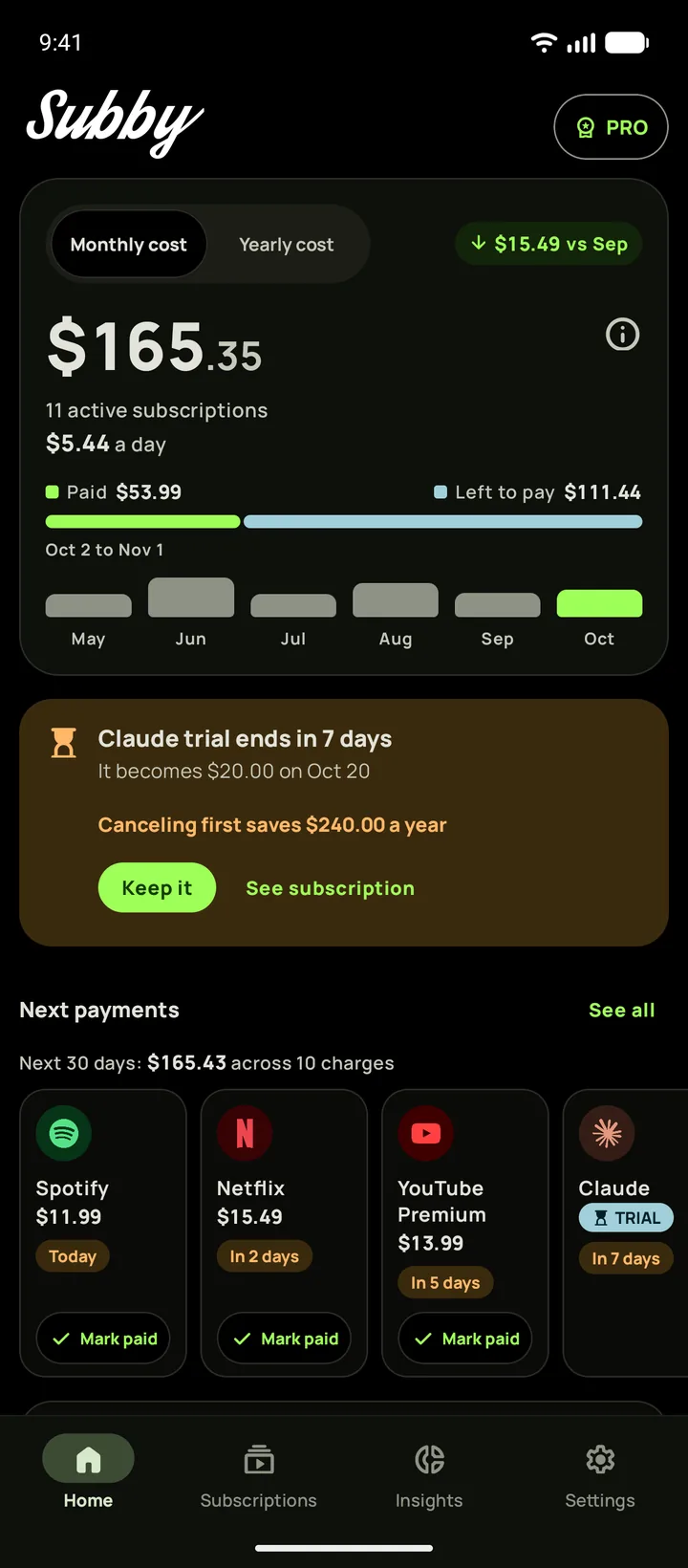
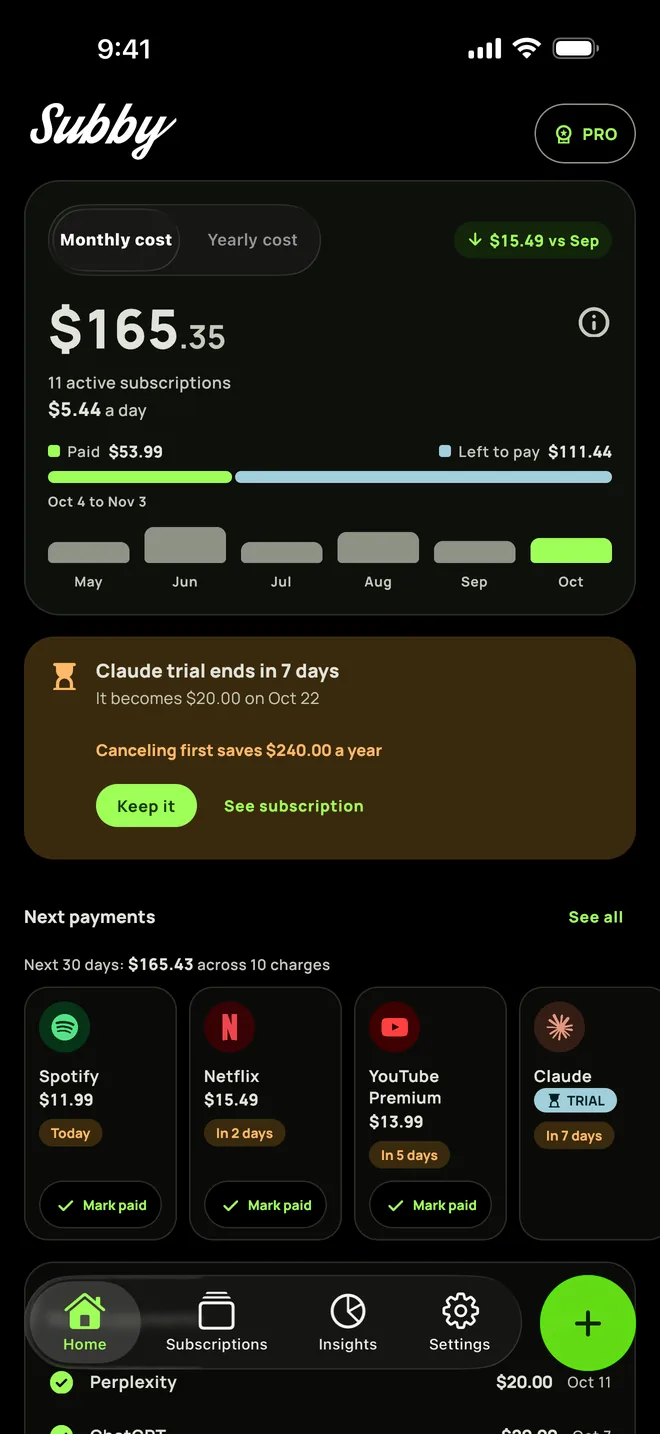
Put each recurring payment in Subby with its renewal date, or the day its trial ends, and the reminder arrives before the charge. Free to use, with ads, and no account or bank login.
Free · No account · No bank login
Sources
- Apple Support. Cancel a subscription from Apple
- Apple Support. Get help with charges from apple.com/bill
- Google Play Help. Cancel, pause, or change a subscription on Google Play
- Google Play Help. Fees, charges & authorizations
- PayPal. How to cancel recurring payments in 4 ways
- Financial Conduct Authority (UK). Recurring card payments
- Consumer Financial Protection Bureau (US). Regulation E, 1005.10 Preauthorized transfers